

How-to | Create a workspace#
To create a workspace:
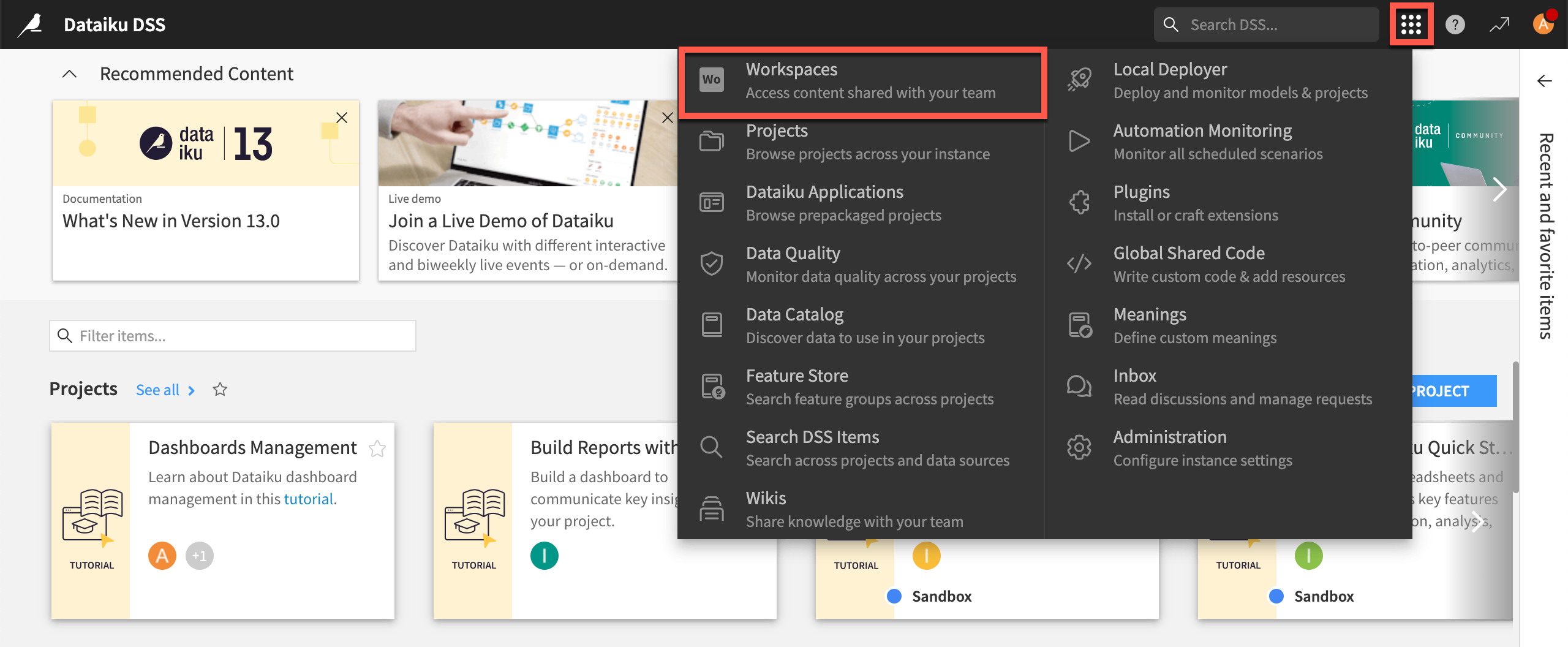
From the left navigation panel of the Dataiku homepage, click Workspaces.
Note
You also can access by clicking the waffle (
 ) menu from the Workspaces homepage from the top navigation bar.
Click + New Workspace in the top right corner.
In the Name field, enter the name of your choice.
Click Next.
Optionally, add groups or users with the relevant permissions based on your needs.
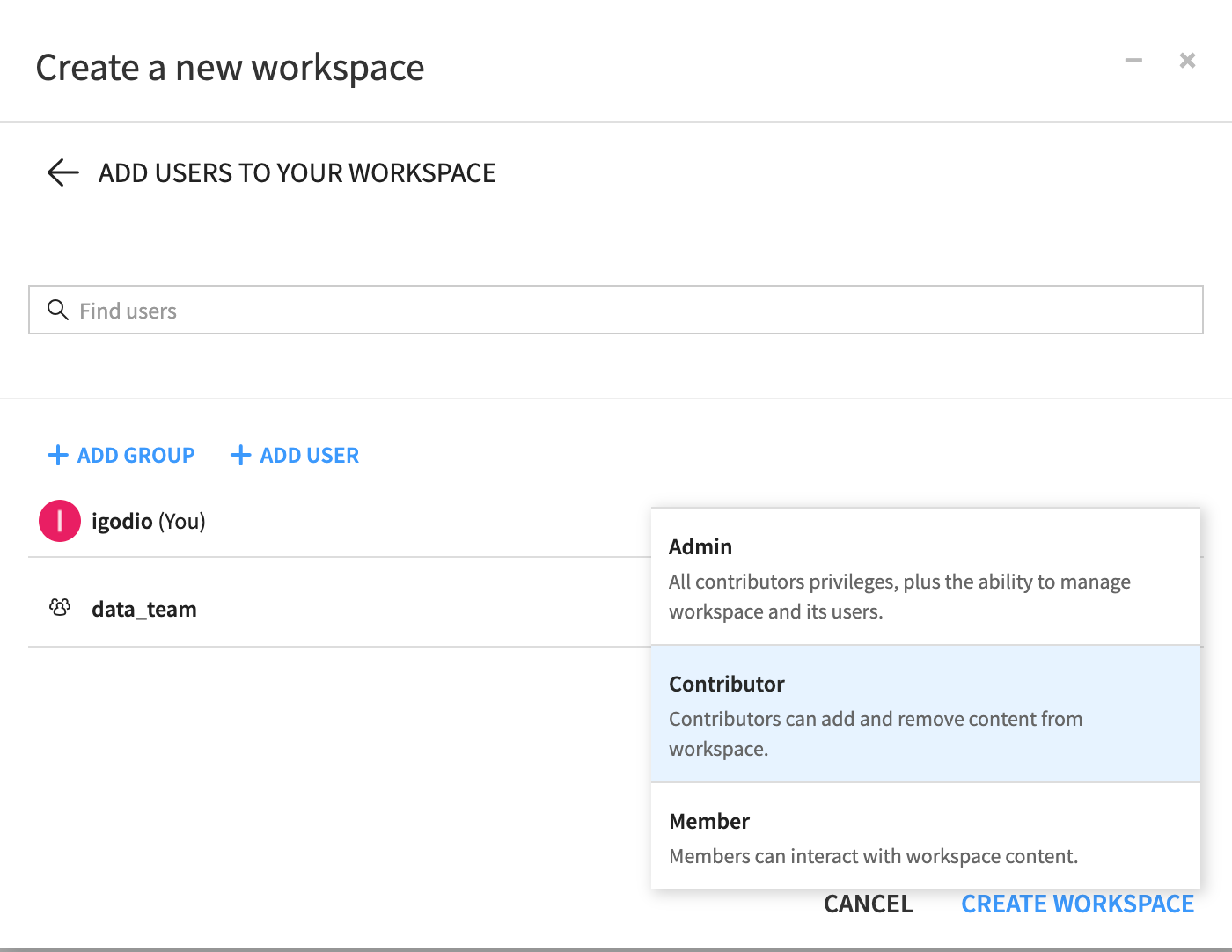
Click Next, then assign or create a tag to attach to your workspace if desired.
Click Create Workspace to confirm the creation.