

Concept | Flow Assistant#
With the Flow Assistant feature, you can use Generative AI to transform plain language descriptions into fully functional visual recipes in the Flow.
Indeed, it introduces a conversational way to design data pipelines. Instead of manually creating and chaining recipes, you can describe your objective in plain language and let the assistant translate it into a sequence of visual recipes in the Flow.
Note
Flow Assistant replaces the former Generate Recipe feature and extends it by supporting full Flow generation rather than single-recipe suggestions.
From a single interaction, the assistant can design a complete transformation path, including filtering, joining, grouping, and reshaping data, based on your instructions.
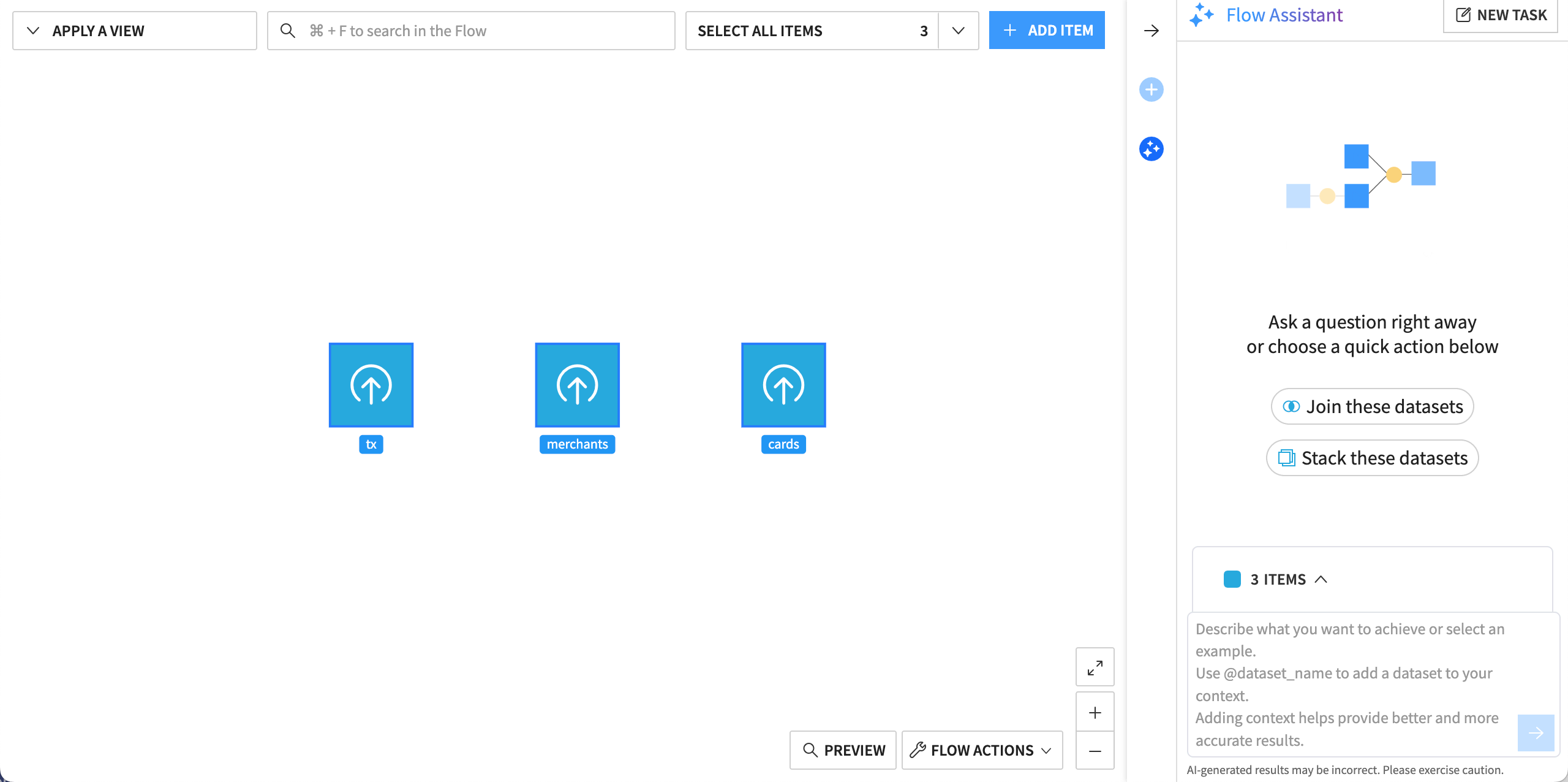
The Flow Assistant is accessible either from the Flow or the Explore tab of a dataset.
Note
Administrators must enable AI Assistants under Administration > Settings > AI Services. Admins can choose to use Dataiku’s AI Services or a separate large language model (LLM) connection.
How it works#
The Flow Assistant follows an interactive generate-and-validate pattern:
You describe what you want to achieve in the Flow.
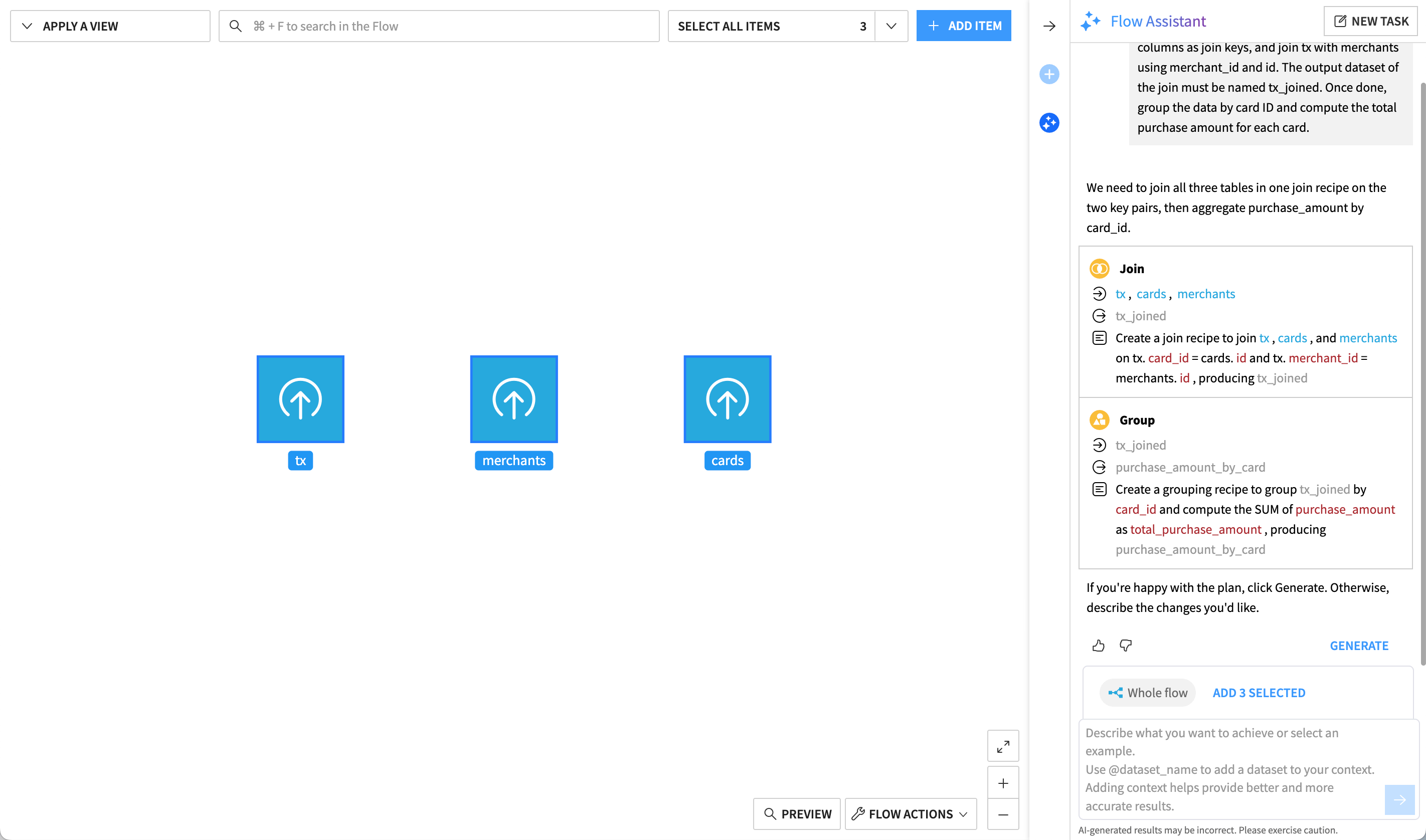
The assistant suggests a structured plan describing the actions it will apply.
You validate the plan to trigger generation of the corresponding visual recipes.
This approach gives you full control over what’s created while removing the need to manually configure each recipe from scratch.
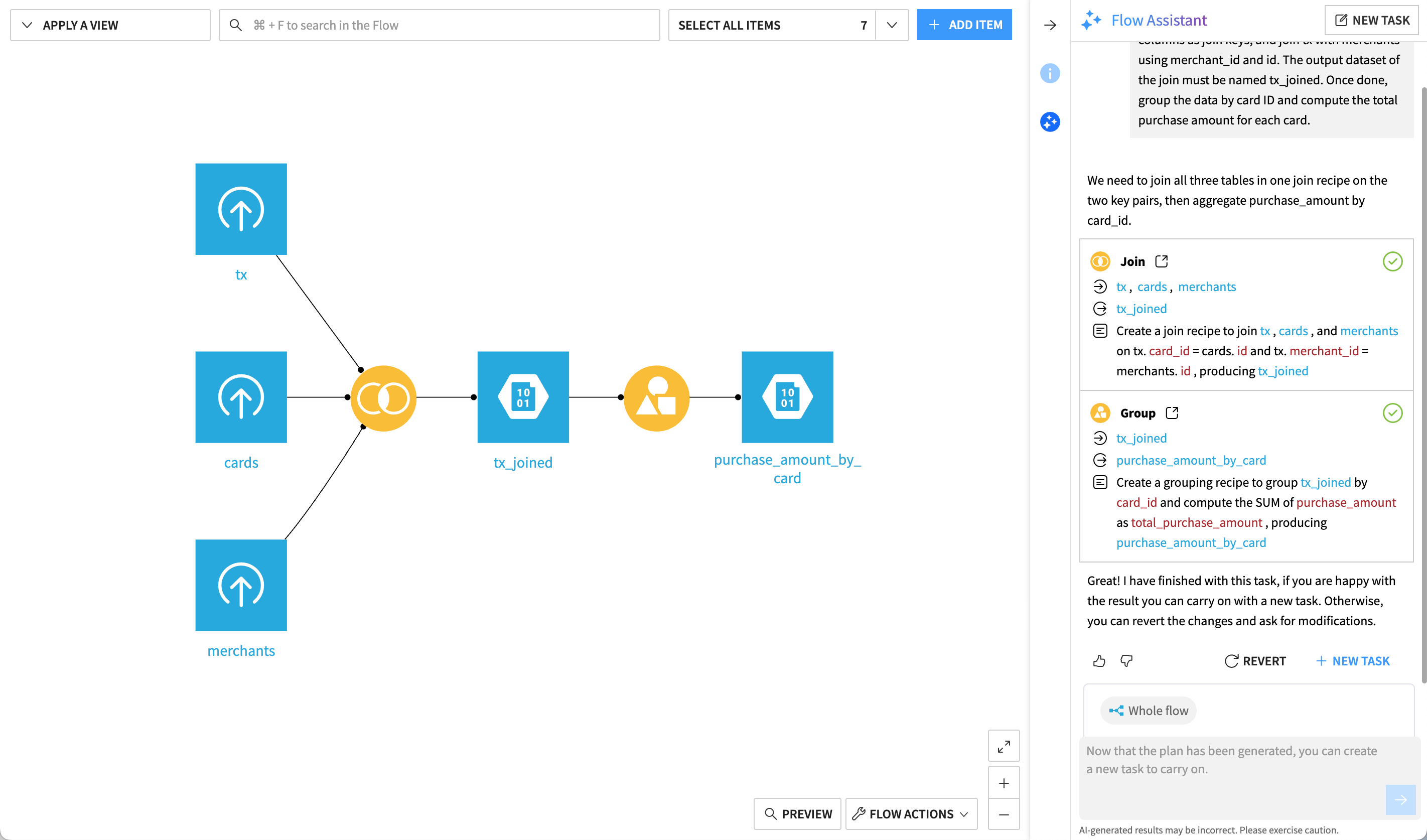
Once generated, the Flow behaves like any standard Flow: you can open, edit, and run each recipe, or revert the entire generation if the result doesn’t match your expectations.
Use case#
Imagine that you have multiple datasets in your Flow to store transactions (tx), customer cards, and information on merchants. You want to:
Join them in a single dataset.
Group the data by card ID and compute the sum of the purchase amount for each card.
Instead of creating each recipe manually, you can express the objective in a short paragraph, such as:
Join tx and cards using the card_id and id columns as join keys, and join tx with merchants using merchant_id and id. The output dataset of the join must be named tx_joined. Once done, group the data by card ID and compute the total purchase amount for each card.
Flow Assistant will interpret this intent and generate the corresponding transformation logic in the Flow.
This allows you to focus on what you want to achieve, while the assistant handles how to build it.
Because Flow Assistant relies on Generative AI, the proposed plans and recipes may vary depending on the prompt and context.
Next steps#
To learn how to use Flow Assistant in practice, see How-to | Use the Flow Assistant.