

How-to | Install the Automation node#
If your Dataiku Cloud plan includes an Automation node, to install it:
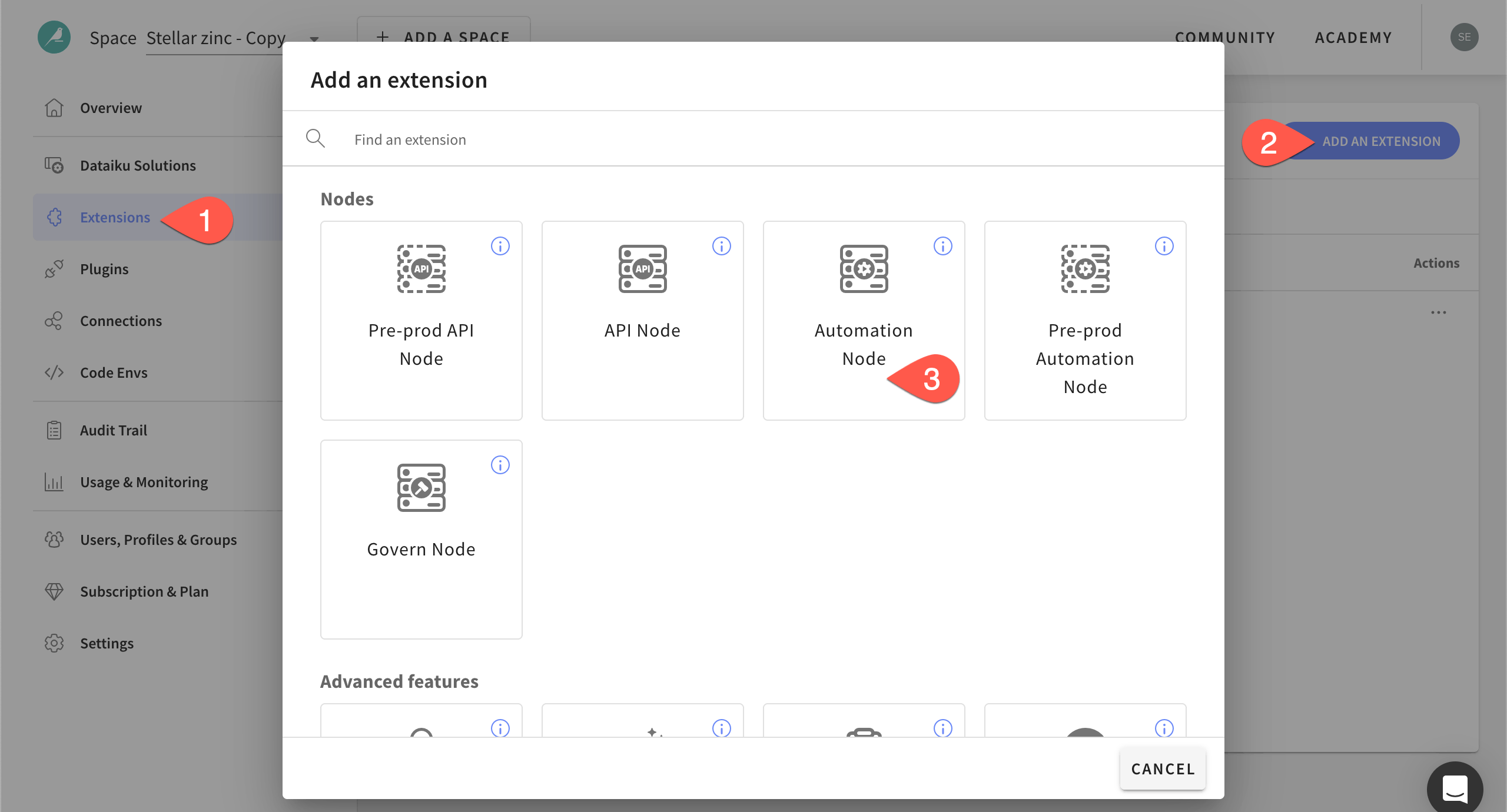
Navigate to the Extensions panel of the Launchpad.
Click + Add an Extension.
Select Automation Node.
Read the note about the creation of this node, including the project_deployers group, and click Add.