

Concept | Simple Visual Agents#
Simple Visual Agents in Dataiku allow you to quickly build an agent and connect it to an LLM that will reason through its tasks.
You can give the agent instructions and define other components such as tools and skills. The LLM will autonomously decide which ones to call, in what order, and how to respond to user queries.
Via tools, the agent can connect to and take actions on other Dataiku objects, such as datasets, models, and knowledge banks. Agents can also connect to external tools and objects.
Building Simple Visual Agents#
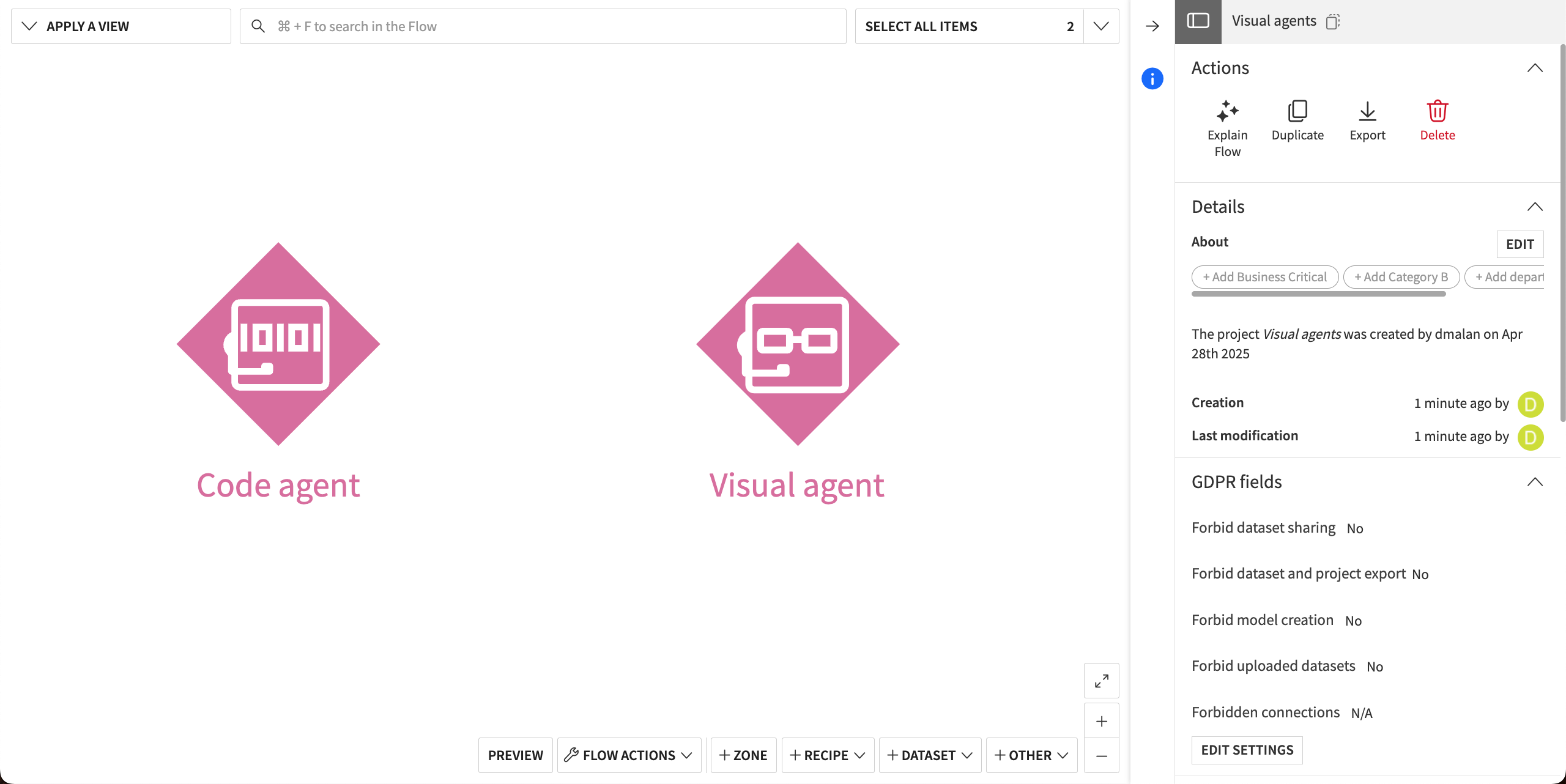
When creating a new agent, choose the Simple Visual Agent option.
This opens Dataiku’s visual agent editor, where you can build, test, and expose an agent, without any coding.
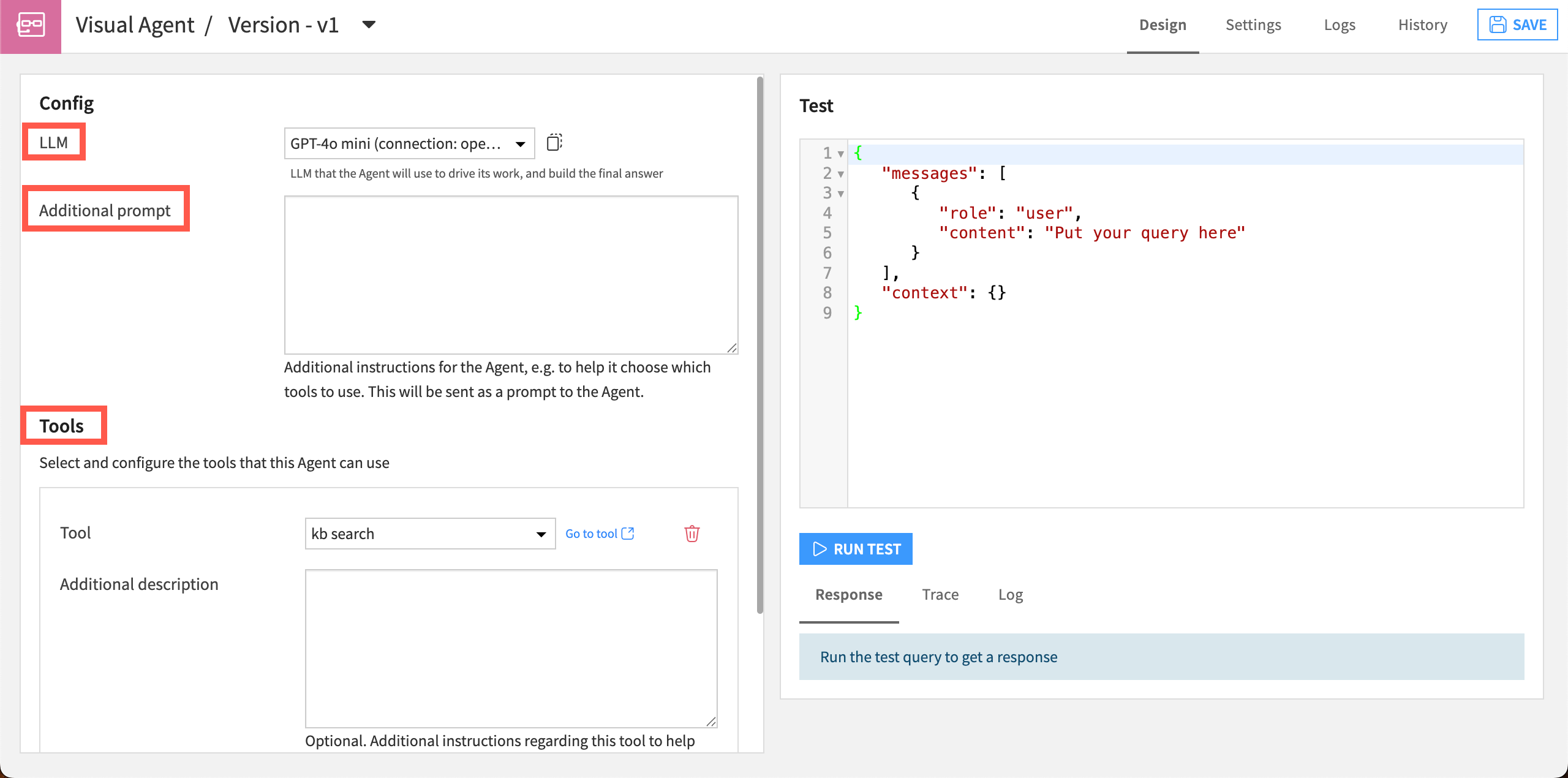
In the editor Design tab, you can include several components:
Component |
Description |
|---|---|
A connection to the large language model (LLM) of your choice to power the agent. |
|
Instructions |
A prompt that gives context and directions to guide the agent in its tasks. You can write your own prompt or use pre-written instructions from the Prompt library ( |
Components the agent uses to perform actions or make decisions, such as search a dataset or scan a knowledge bank for answers. |
|
Task-specific instructions and resources that the agent can use when needed. |
 ).
).
Customize the Design tab by toggling on and off three panes:
Build: The panel where you add and edit the agent’s components.
Test: Chat and test query interfaces to test the agent’s responses.
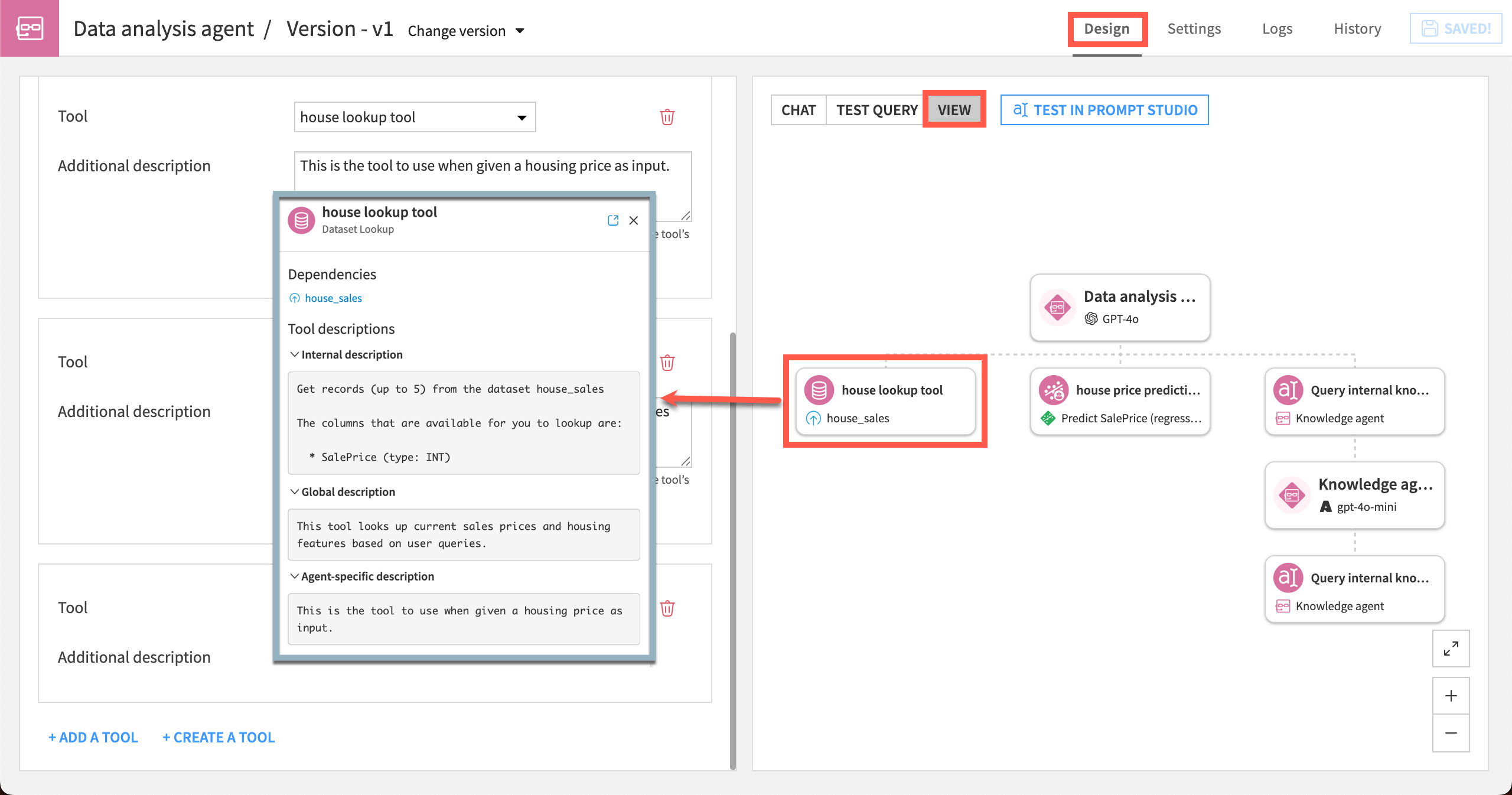
View: A diagram showing the agent’s structure, including tools, dependencies, and connected agents, that updates as you build.
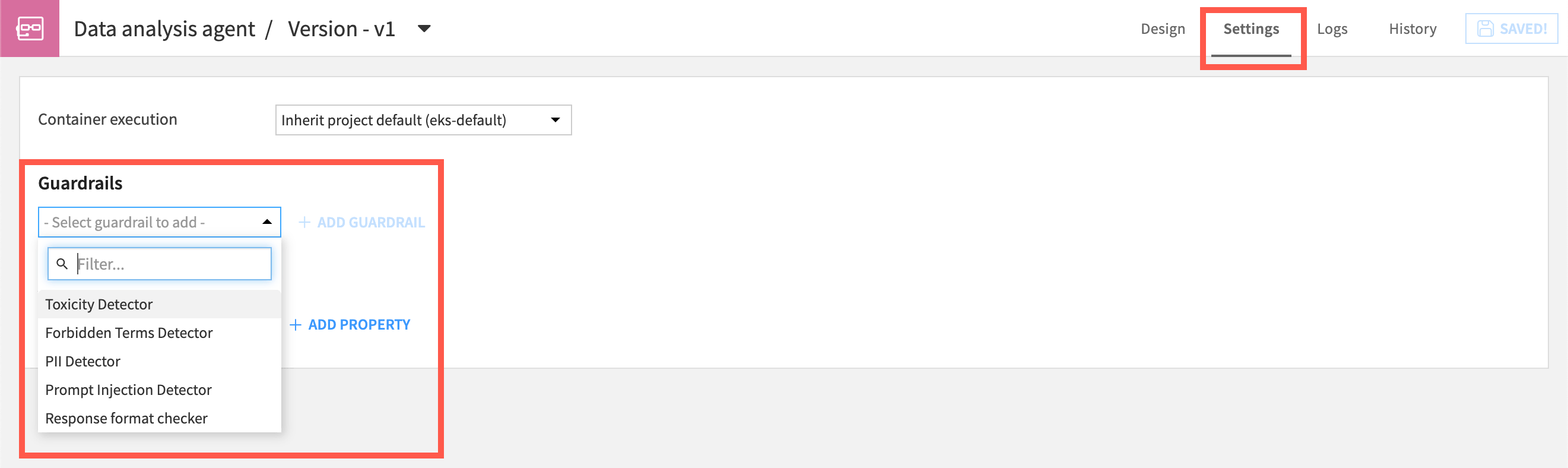
In the agent Settings tab, you can apply Dataiku’s guardrails, to ensure that queries and responses are safe and correct.
How a Simple Visual Agent works#
Simple Visual Agents apply the ReAct — or Reason and Act — approach.
With ReAct, the agent first “reasons,” using its LLM to analyze the input and determine the most appropriate “action” to take (that is, which tool to call).
The agent then observes the result and decides if further actions are needed, and continues this loop until the task is completed.
Because agents are created through Dataiku’s LLM Mesh, you can test the performance of an agent with multiple LLMs and adapt as new models become available.
Use case#
To understand how a Simple Visual Agent works in practice, consider an internal IT help desk assistant. Employees can ask the agent various questions, and the agent has to decide how to help with each one.
You give the agent three tools:
Knowledge Bank Search tool so it can search IT documentation.
Dataset Lookup tool to check an employee’s ticket history.
Send Message tool to escalate to the IT team.
The instructions describe the agent’s role: Answer common IT questions from the documentation, check for related past tickets, and escalate anything it can’t resolve.
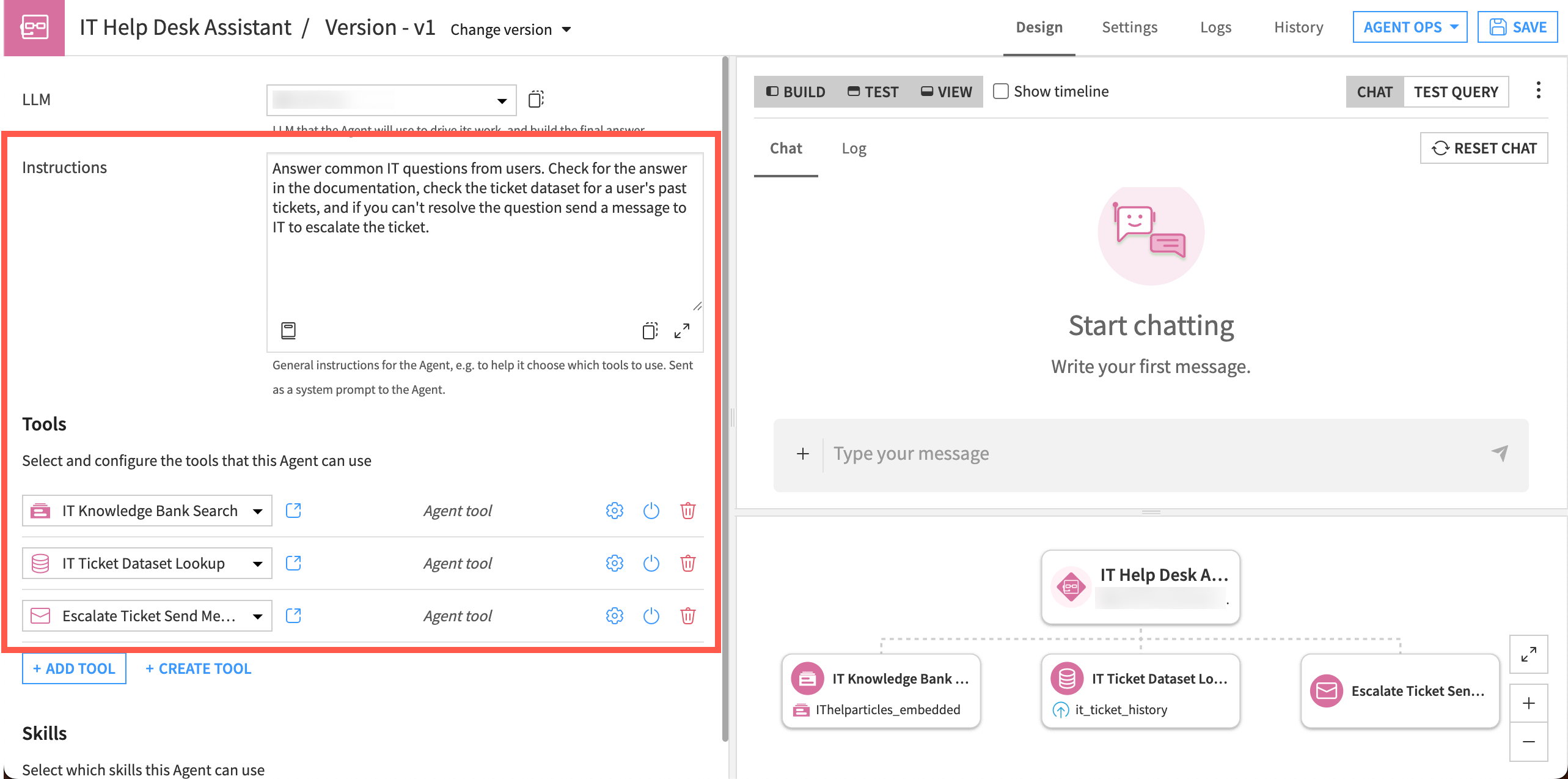
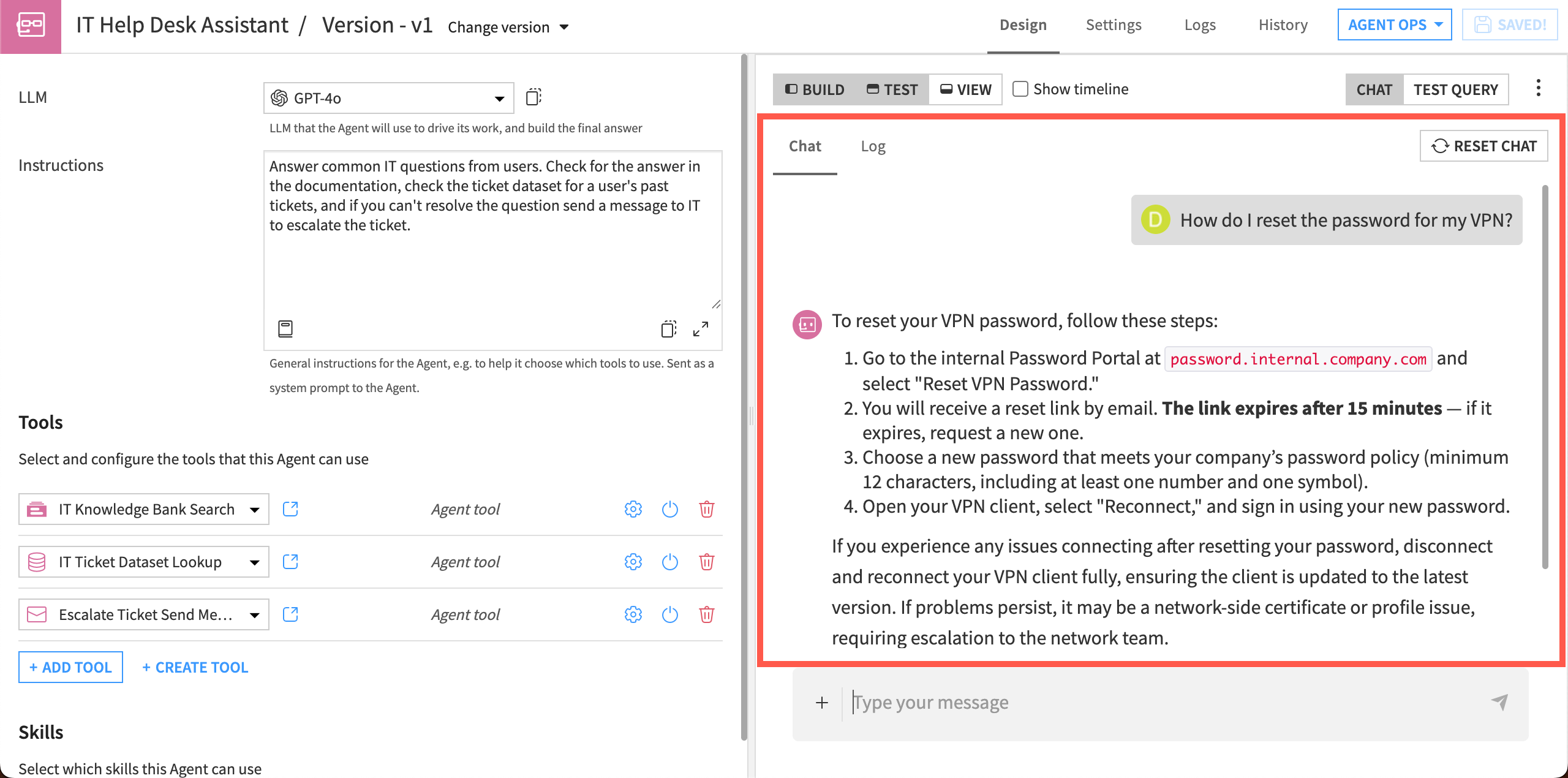
Each time an employee chats with the agent, it reasons through the request on its own.
For a simple question, it searches the knowledge bank and answers directly. For a recurring issue, it also checks the employee’s ticket history to see if the same problem was already reported, then decides whether to answer or escalate.
Next steps#
Build tools and an agent in Tutorial | Simple Visual Agents.