Reference | License management on Dataiku Cloud#
The list of user profiles and the number of seats for each profile depends on your subscription.
The profile of a user is defined at the space level. The same profile is applied on all nodes. Access to nodes for users isn’t determined by the profile, but by the groups to which they belong.
You can select the profile when inviting, or provisioning a user. If no profile seat is available when a user joins, the user will receive the guest profile. This prevents the user from accessing your instance until you grant another profile.
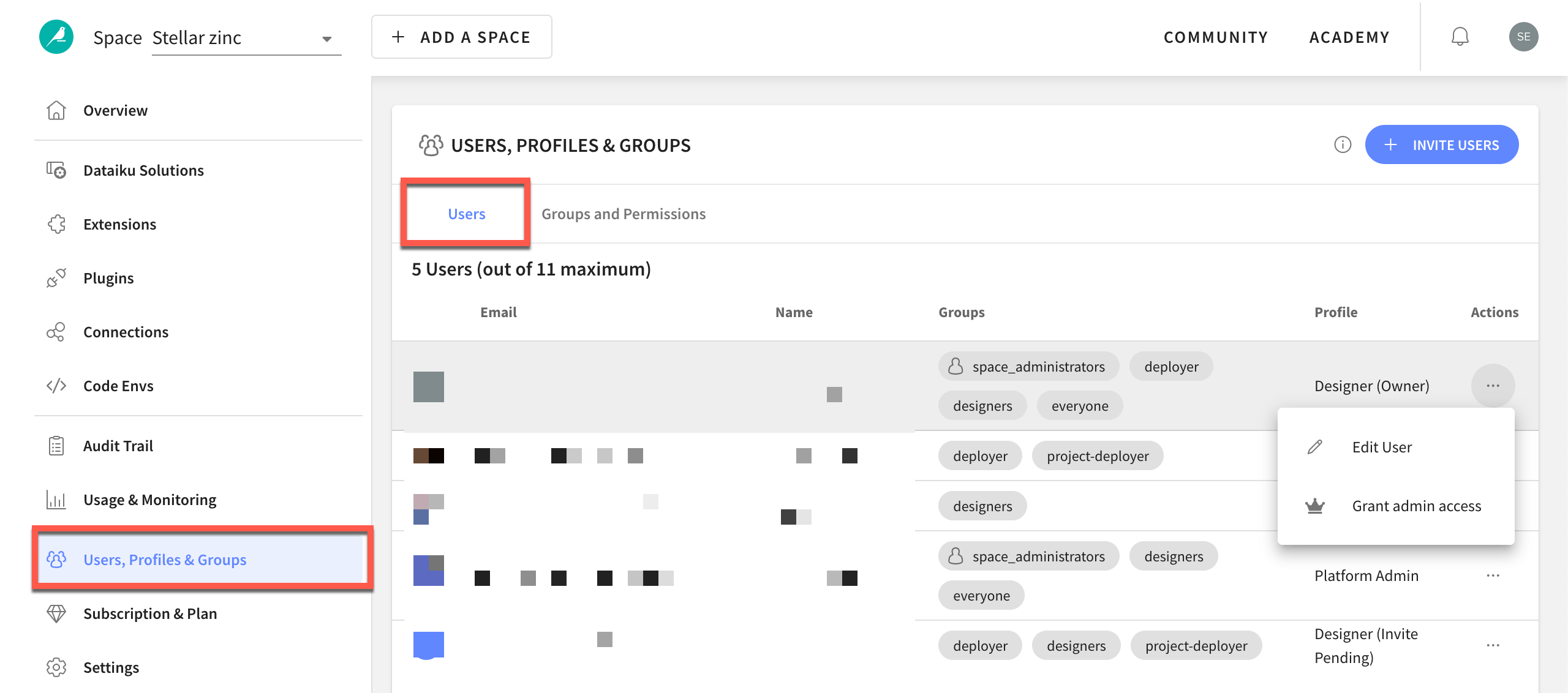
You can edit the profile assigned to a user by going to the Users & Access Management panel in your Launchpad. Click the horizontal dots ( ) next to the user, and select Edit User.