How-to | Grant Dataiku support access to your instance#
To provide dedicated help, the support team may ask you to activate support access from the Launchpad.
Important
To grant Dataiku support access, the user has to belong to a group having the Launchpad Administrator permission. For example, the default group space_administrators has this permission.
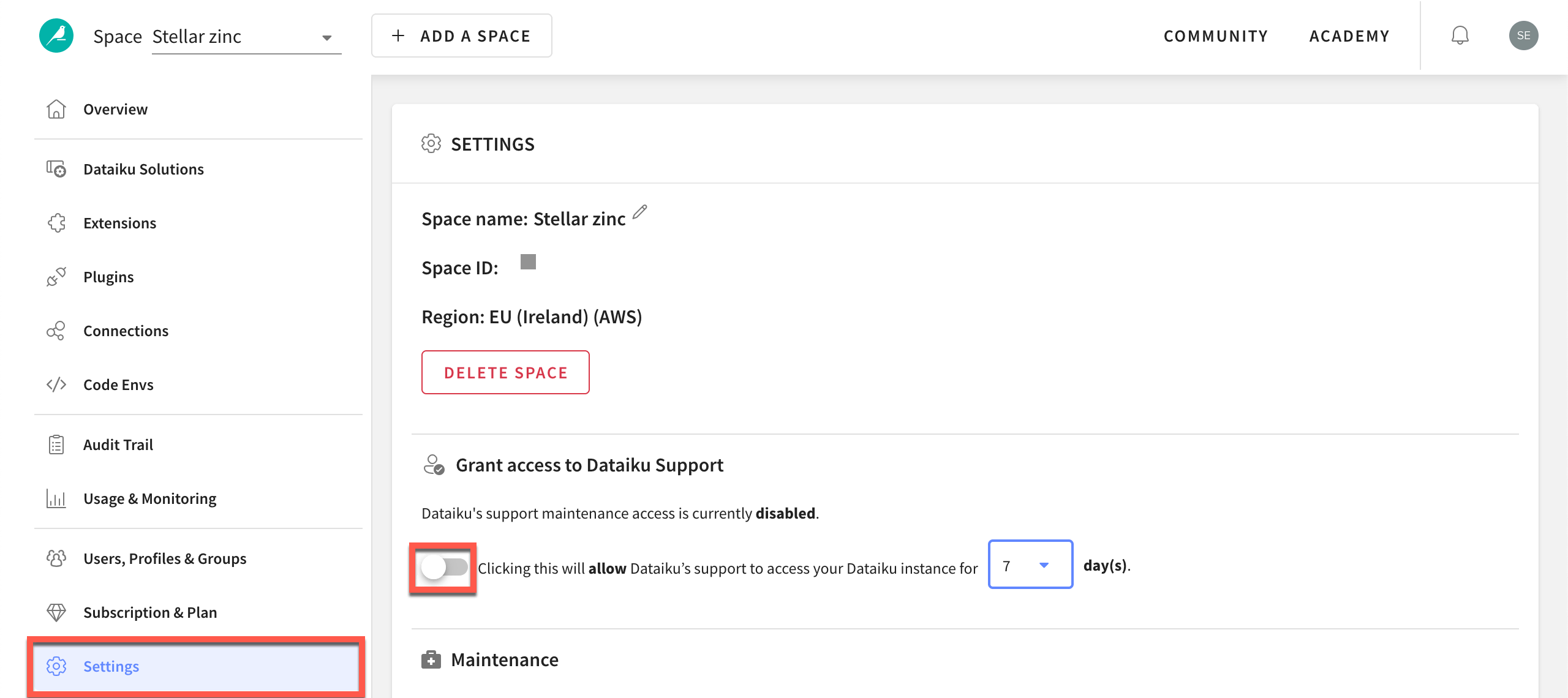
From the Launchpad of your space, navigate to the Settings panel.
Toggle On the option to allow Dataiku’s support access to your instance for 1 to 7 days.