

Concept | Fuzzy join recipe#
Watch the video or read the summary below.
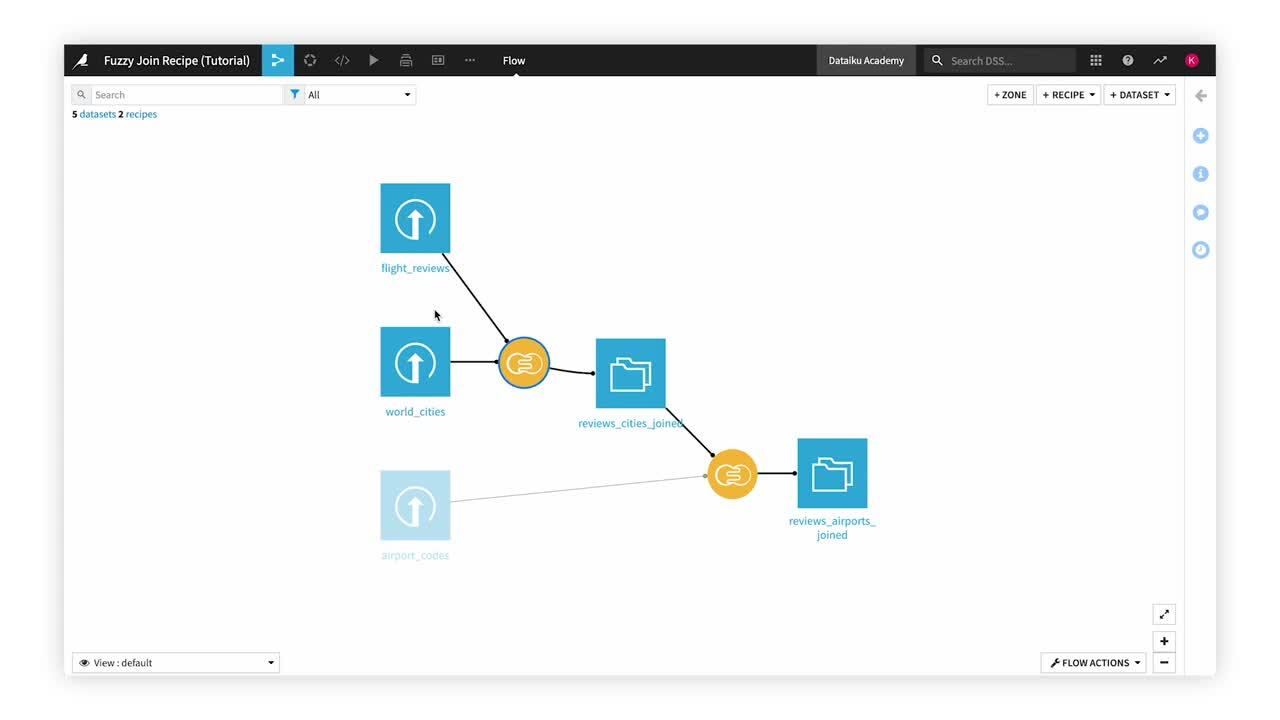
The Fuzzy join recipe makes it possible to match records that refer to the same real-world entity even when the values aren’t identical.
Use case#
A standard join requires equality for matching. However, real-world data is often messier. Therefore, you’ll often have a need for fuzzy joining when solving problems of data integration, enrichment, or quality.
For example, two systems may contain information about the same customers, suppliers, or organizations, but names aren’t recorded identically due to spelling errors, abbreviations, or data entry errors. A fuzzy join can align records that refer to the same entity when exact matching would fail.
A concrete example may make this clearer. Consider a dataset of customers and a loyalty program. The mismatched names (John Smith and Jon Smith, Maria Garcia and Maria Garica) are the same customer. A standard equality join would fail to account for these inconsistencies.
However, a fuzzy left join of these two datasets, depending on its configuration, would be able to resolve this discrepancy.
id |
name |
city |
tier |
points |
|---|---|---|---|---|
101 |
John Smith |
Boston |
Gold |
5200 |
102 |
Maria Garcia |
Chicago |
Silver |
2400 |
103 |
David Lee |
Seattle |
Platinum |
9100 |
104 |
Sarah Wilson |
Denver |
Tip
While fuzzy joining is most often used on text data, its purpose can extend to other kinds of proximity-based joins. For example:
Consider numeric sensor readings from different systems. You may need to match allowing for some small numeric threshold.
Similarly, while Dataiku also has a Geo join recipe, you could imagine matching GeoPoints allowing for some small geographic threshold.
Fuzzy joining with other technologies#
Depending on your previous experience with other data tools, you may have already encountered fuzzy joining in some respect.
Technology |
Typical implementation |
|---|---|
Excel |
Power Query’s Fuzzy Merge feature |
SQL |
Database-specific fuzzy matching (similarity or edit-distance) functions combined with a |
Python |
|
R |
|
You could perform the same SQL, Python, or R operation with a code recipe. However, in Dataiku, you’ll often want to reach for the visual Fuzzy join recipe for this kind of data transformation. It brings together a variety of fuzzy matching algorithms in one repeatable operation.
Fuzzy join recipe configuration#
Some parameters to a Fuzzy join recipe are the same as those required for a standard Join recipe. You’ll need to:
Choose left and right input datasets.
Choose a join type (left, inner, etc.).
Choose join key columns from both input datasets.
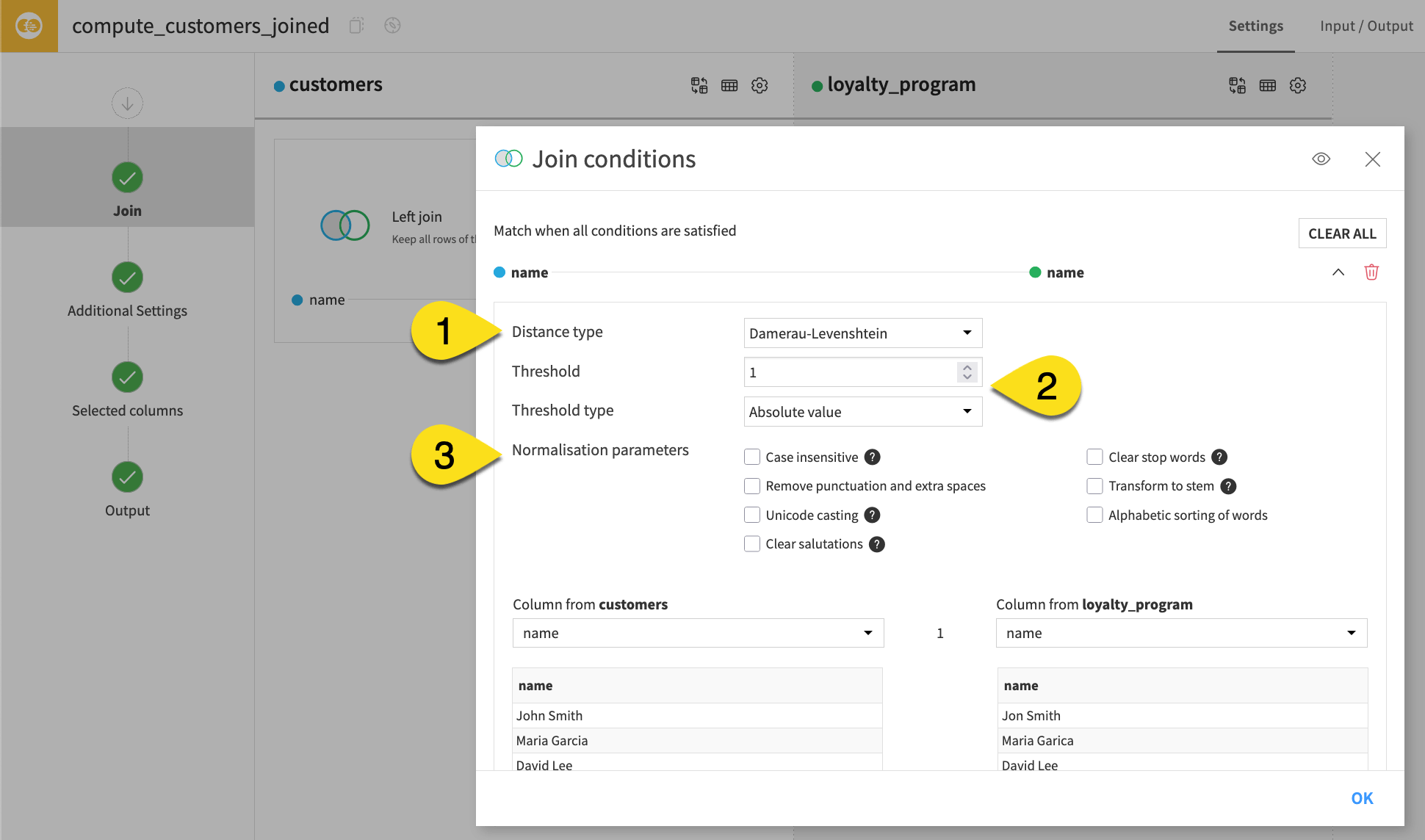
What’s unique is the distance type, threshold, and normalization parameters.
Parameter |
Description |
|---|---|
Distance type (1) |
The distance measure used to compare values. |
Threshold (2) |
The maximum distance between two values for a match. |
Normalization (3) |
Types of text processing that standardize key column values before matching, such as case insensitivity. |
Next steps#
With this background on the recipe’s purpose, apply your new knowledge in Tutorial | Fuzzy join recipe!
See also
Learn about additional details and settings in Fuzzy join: joining two datasets.