

How-to | Filter the Flow#
As your pipeline grows, your Flow can become visually overwhelming. Dataiku offers several strategies to improve readability and navigability. One of them is to filter the Flow to only show relevant items on the screen.
To filter the Flow:
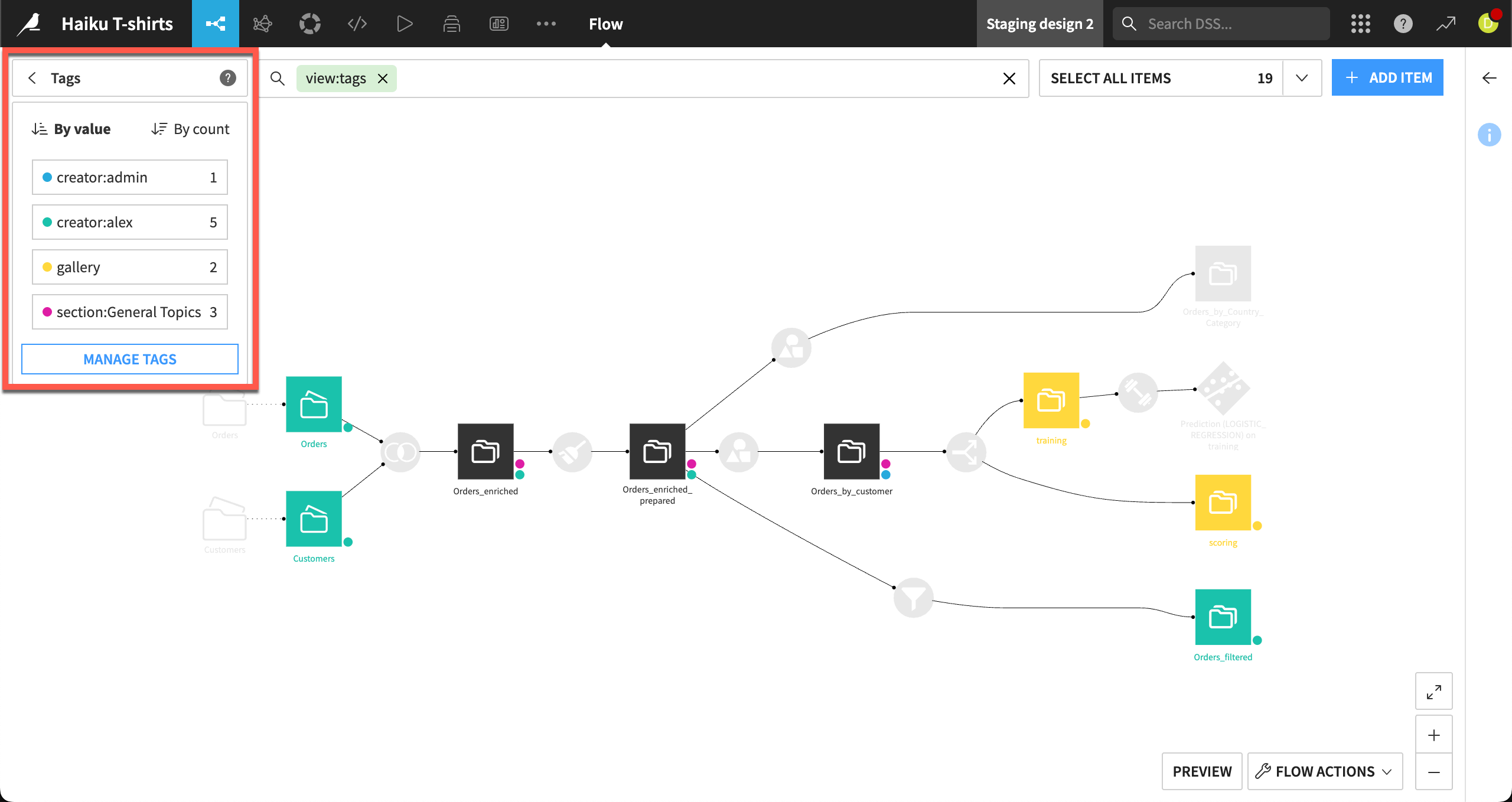
Click the Apply a View menu in the top left corner of the Flow.
Select a filtering criteria, for example:
Flow zones
Tags
Recipe engines (for example, only show Python recipes)
Connections (show only items connected to a specific dataset)
Last modification date
Other metadata properties
Select or deselect specific items (like some tags) to show or hide parts of the Flow.
See also
How-to | Use Flow zones to logically group related objects within your Flow.
How-to | Tag the Flow items to add tags to the different items of the Flow and use these tags to select which parts of the Flow to view.