

How-to | Extract full text content into a dataset#
Learn how to extract content from documents using the Extract content recipe in Dataiku.
In the Flow, select a managed folder that contains documents of different formats (.pdf, .docx, .pptx, .txt, .md, .html, .png or .jpg).
Note
You can store the documents in a folder in Dataiku or you can connect to an external storage, such as Amazon S3, Azure Blob Storage, Google Cloud Storage, etc. In this case, your administrator must have configured the relevant connection to the external storage in Dataiku beforehand.
In the Actions (
 ) panel, under the Visual Recipes section, click Extract content > Extract full content.
In the New extract content recipe window, name the output dataset and click Create Recipe.
In the Strategy tab, select an extraction strategy (text-first extraction, visual-first extraction, or custom rules).
Click Run to execute the recipe.
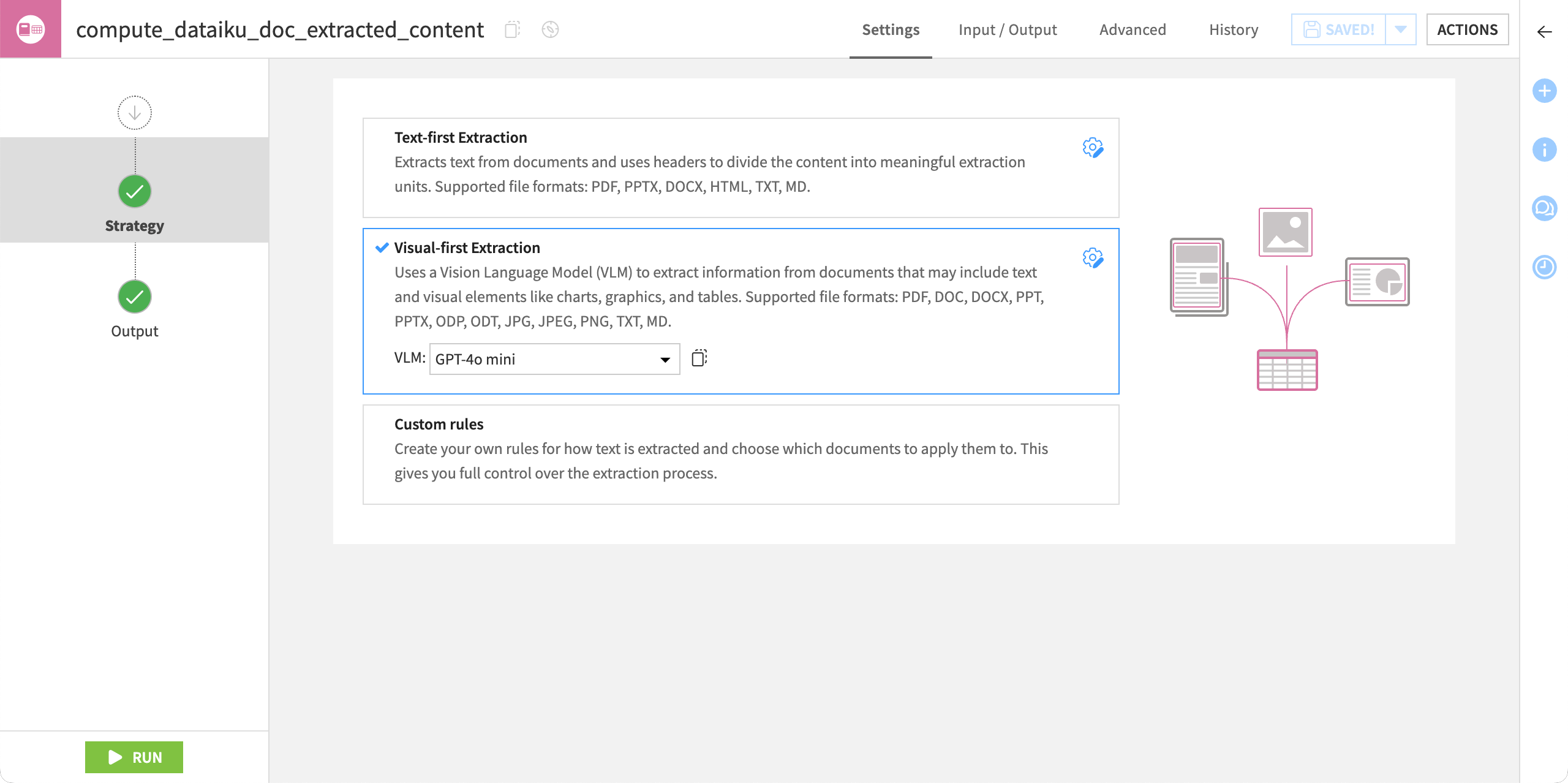
Once the recipe has finished running, explore the output dataset. You will find the extracted content in different columns, such as source_file, extracted_content, content_id.
You can now use the output dataset in the Flow to:
Perform further transformations via visual recipes,
Train machine learning models, or
Leverage Generative AI features (such as classification, summarization, or enriching an LLM using the Embed dataset or Embed documents recipes).
This enables you to build a clean end-to-end pipeline from raw documents to actionable insights.