

Concept | Distinct recipe#
Watch the video or read the summary below.
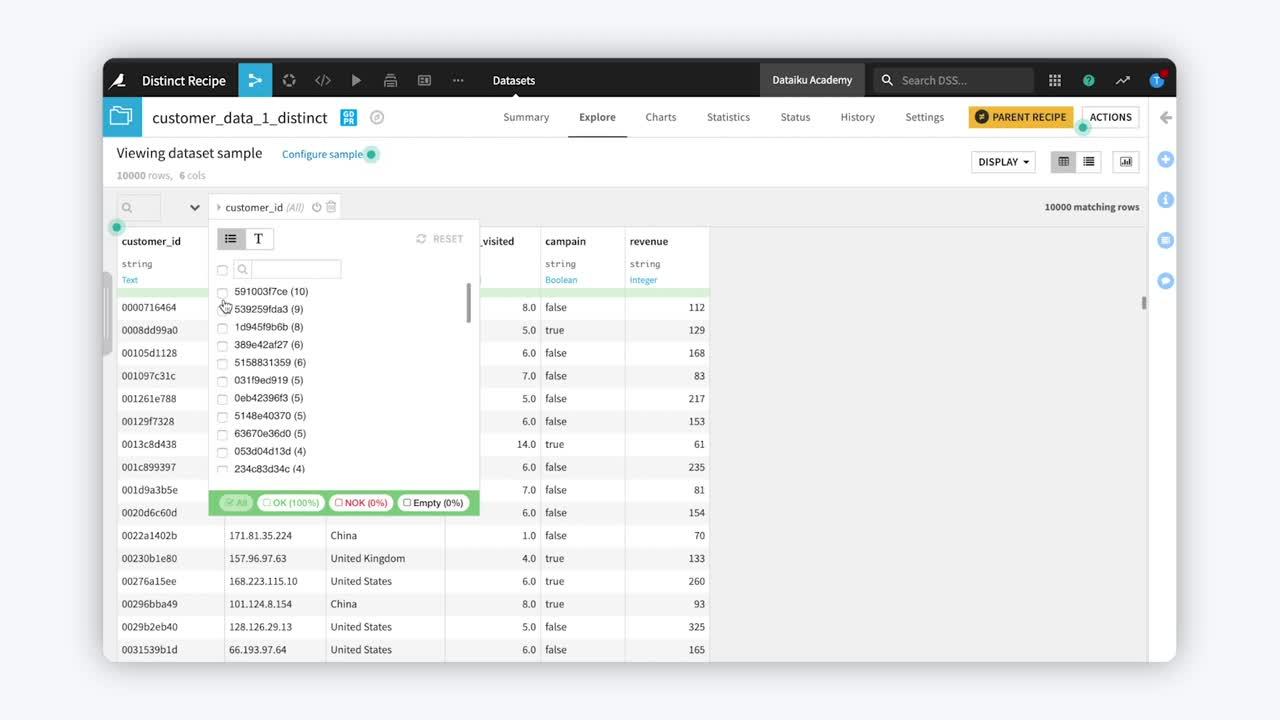
The Distinct recipe can either enforce uniqueness in a dataset or extract unique values or entities for further analysis or downstream usage.
Use case#
The most basic purpose of the Distinct recipe is deduplication: removing duplicate rows from a dataset. However, the recipe also allows you to define uniqueness by a subset of columns instead of an entire row. Therefore, you can use the Distinct recipe to validate assumptions about data uniqueness, create reference datasets, and analyze how frequently values occur.
Use case |
Example |
|---|---|
Deduplicate rows (enforce uniqueness) |
Remove duplicate transaction records so each row appears only once. |
Validate uniqueness assumptions |
Verify that each |
Create a unique set of entities or values |
Generate a unique list of customers or merchants for use in a lookup table, filter list, or downstream processing step. |
Profile value frequency |
Compute how many times each merchant or customer appears to understand distribution, identify repeated values, or assess data skew using duplicate counts. |
Two concrete examples may better illustrate these kinds of transformation. The first is for pure deduplication. The dataset on the right is the deduplicated version of the dataset on the left.
The Distinct recipe can also define uniqueness with respect to a subset of columns and, optionally, compute the number of occurrences for each combination.
Deduplication with other technologies#
Deduplication is a common need across many analytical tools. While syntax differs, the underlying operation is largely the same.
Technology |
Typical expression |
|---|---|
Excel |
Use Remove Duplicates on selected columns, or use |
SQL |
|
Python (pandas) |
|
R (tidyverse) |
|
You could perform the same SQL, Python, or R operation with a code recipe. However, in Dataiku, you’ll often want to reach for the visual Distinct recipe for these kinds of data transformations.
Distinct recipe configuration#
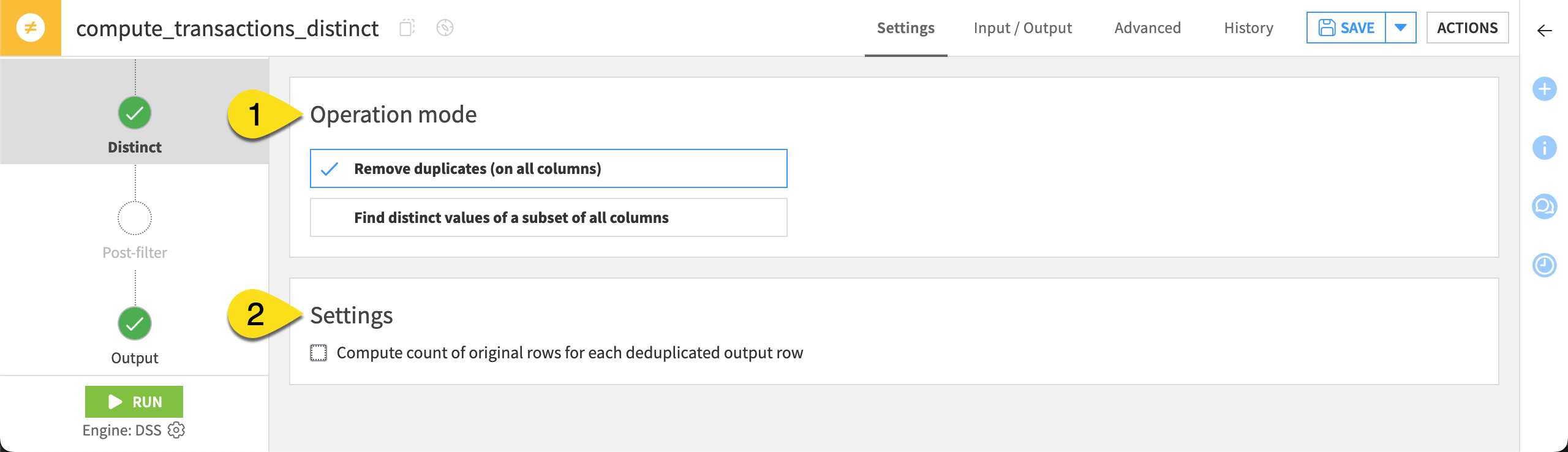
To configure the Distinct recipe, you need to understand two fields. The example column refers to the tables above.
Distinct step field |
Purpose |
|---|---|
Operation mode (1) |
Whether to remove duplicate rows considering all columns or find distinct values of a subset of columns. |
Settings (2) |
Whether to compute the count of each deduplicated row |
Tip
Like many other visual recipes, the Distinct recipe has pre-filter and post-filter steps. When computing counts, the Post-filter step can be particularly useful. For example, to find only records that appear more than once.
Next steps#
Continue learning about this recipe by working through the Tutorial | Distinct recipe article.
Tip
You can find this content (and more) by registering for the Dataiku Academy course, Visual Recipes. When ready, challenge yourself to earn a certification!