

Concept | Catalog#
The Catalog is a central place for teams to share, find, and reuse assets across their organization.
The Catalog includes assets used in projects on a Dataiku instance, such as agents and agent tools, models, and datasets. Teams can curate collections for easier discovery, and search for assets using keywords or natural language.
Access the Catalog homepage from the left navigation panel of the Dataiku homepage, or from the waffle menu ( ) on the top right.
You can browse and search for assets from the Catalog homepage or within the Catalog sections:
AI Search
Collections
Assets
Database Explorer

AI Search#
AI Search allows you to go beyond a keyword search and find assets using natural language.
The LLM-powered search returns results and generated explanations highlighting why each asset is a good match. Those from curated collections will rank higher in search results.
Refine search results using the filters in the chat box, or chat with AI Search to further refine your query or ask follow-up questions.
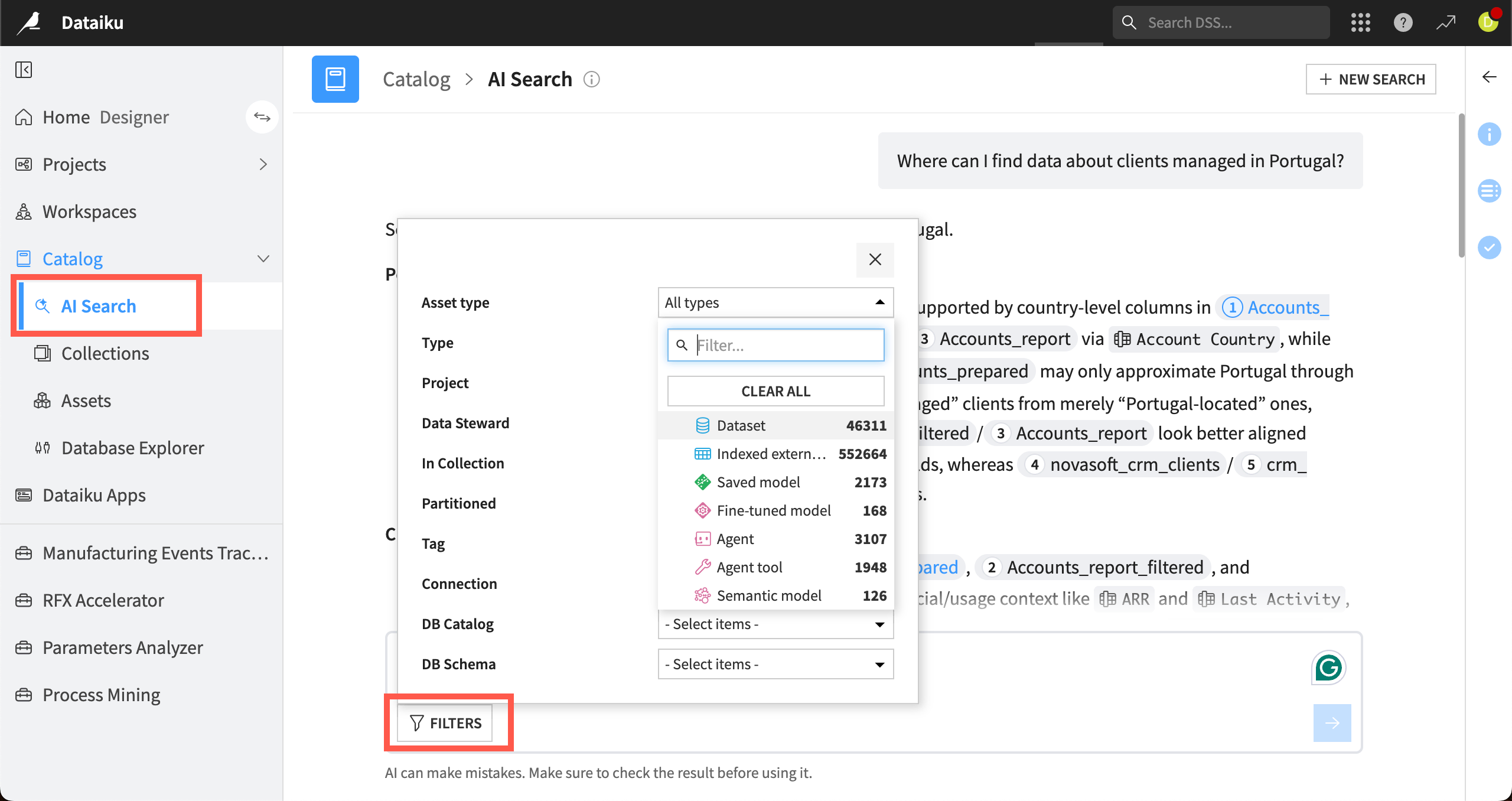
Access AI Search from the left panel of the Catalog or by turning on the AI toggle in the search bar on the Catalog homepage.
Note
Administrators must enable AI Services under Administration > Settings > AI Services. Admins can choose to use Dataiku’s AI Services or a separate LLM connection.
Collections#
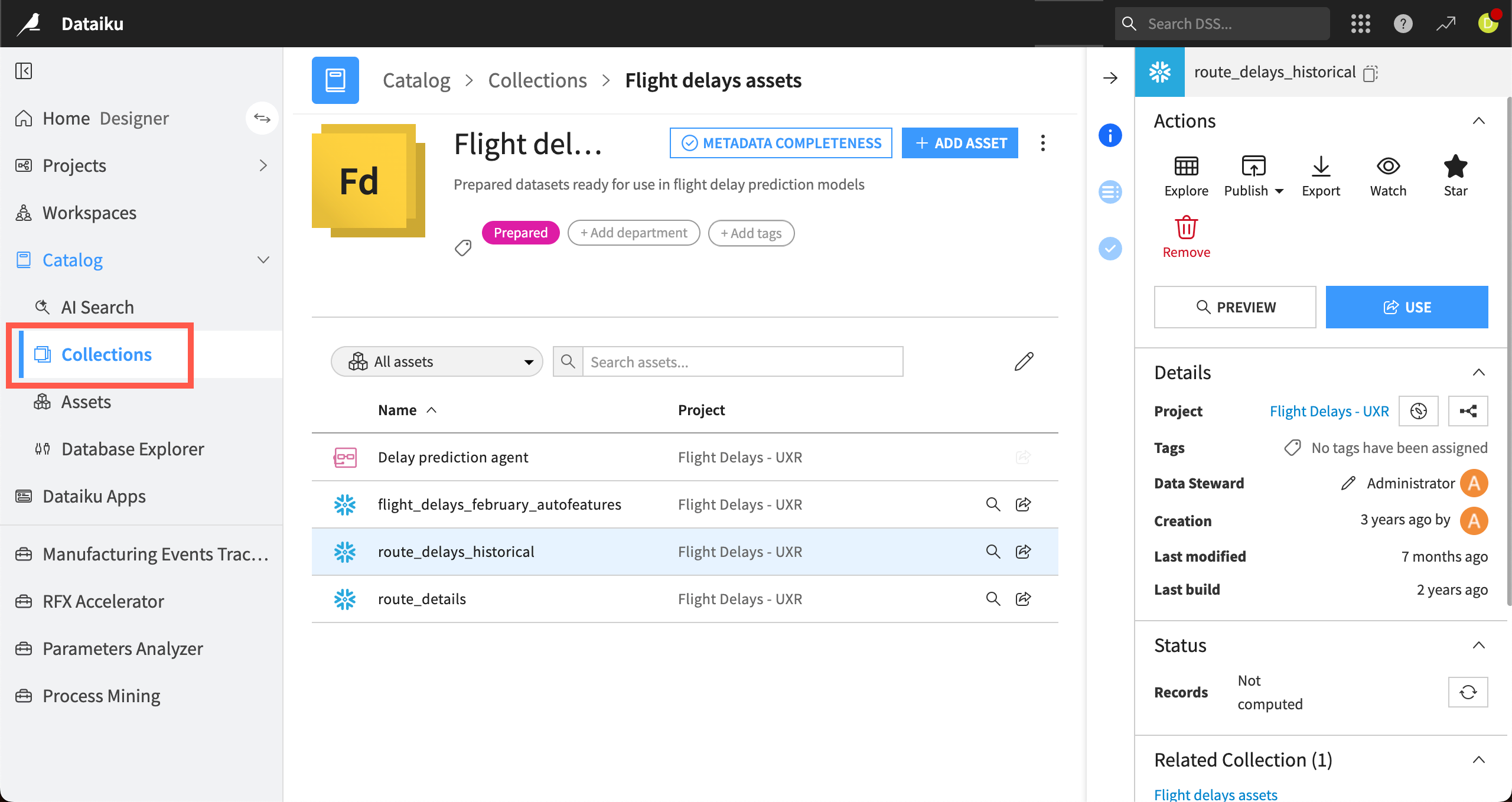
Collections are groups of assets that teams can curate for easier discovery.
Click on any asset in a collection to view its details, status, and other information.
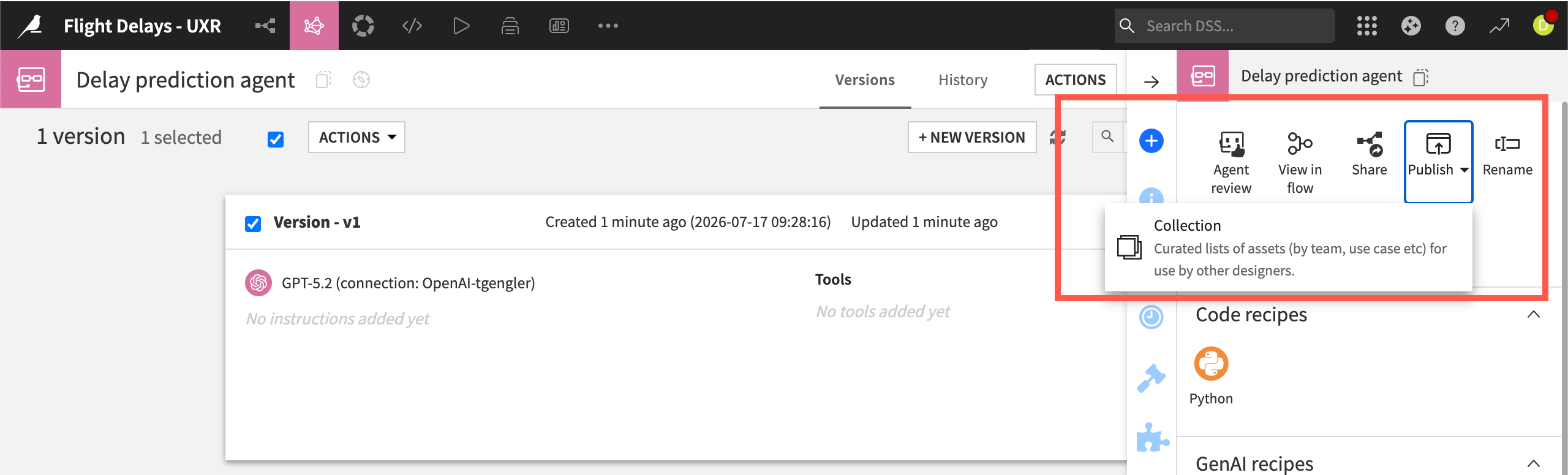
Users with relevant permissions can publish assets to a collection from within a collection or in the asset’s Actions panel.
See also
Read Tip | Ensuring metadata completeness in collections to learn how teams can ensure their collections assets are well documented.
Tip
Collections and the Enterprise Asset Library are both central repositories for teams to curate and share items in Dataiku. However, each of them has a different specialty.
Collections is the place for teams to share and search for assets that exist within projects, such as datasets, models, and agents.
The Enterprise Asset Library allows teams to share assets that can be reused across an instance, such as prompts, code samples, and even projects themselves.
Assets#
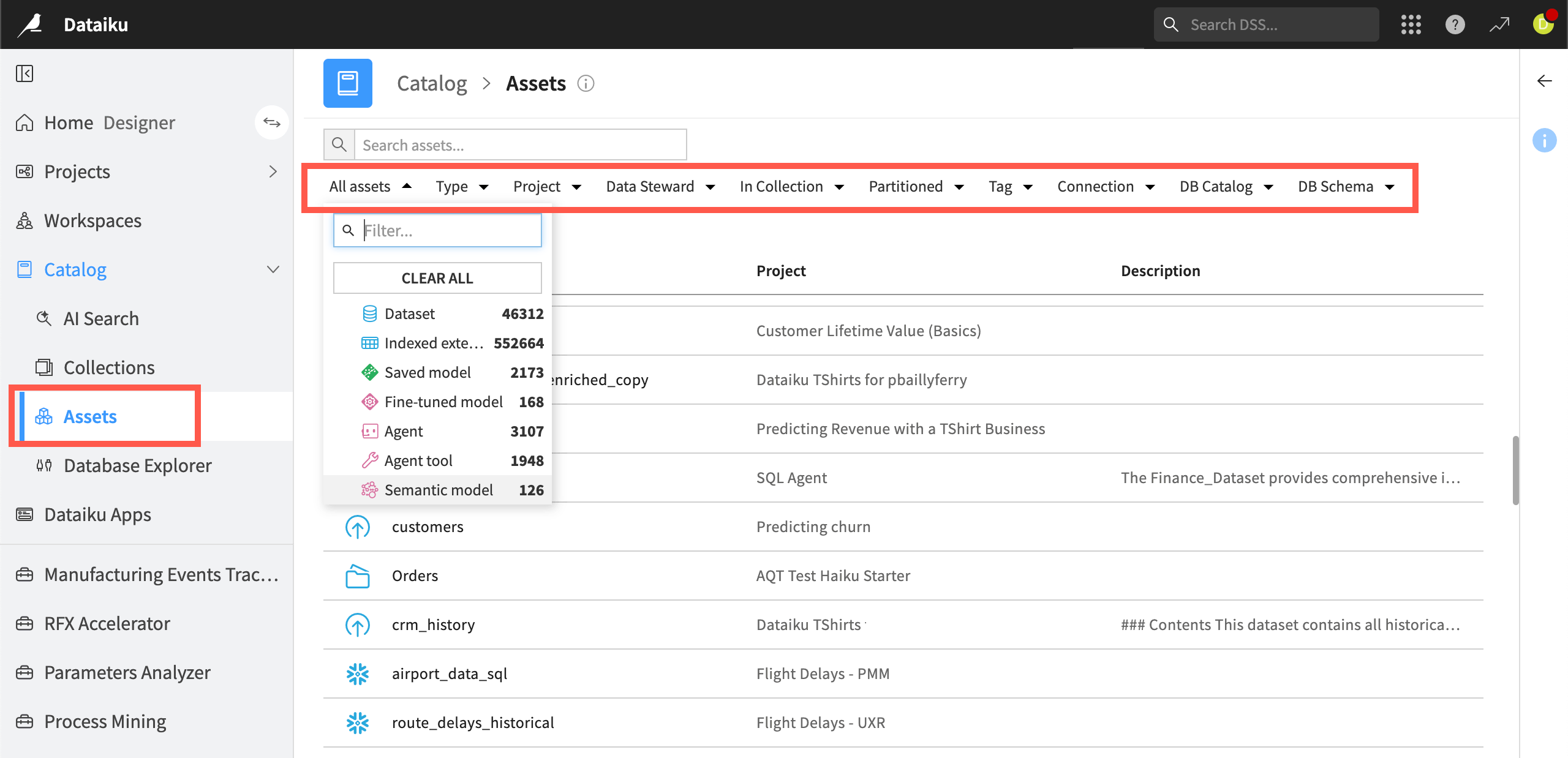
In the Assets tab of the Catalog, you can search for multiple types of assets used in projects on your organization’s Dataiku instance. You can also reuse some asset types in your own projects.
Use filters to narrow your search by asset type, project, collection, tags and other criteria.
Assets in the Catalog include:
Type |
Available assets |
|---|---|
Data |
Datasets, indexed external tables, managed folders |
Machine learning |
Saved ML models |
Generative AI |
Agents, agent tools, agent skills, semantic models, knowledge banks, fine-tuned models |
Database Explorer#
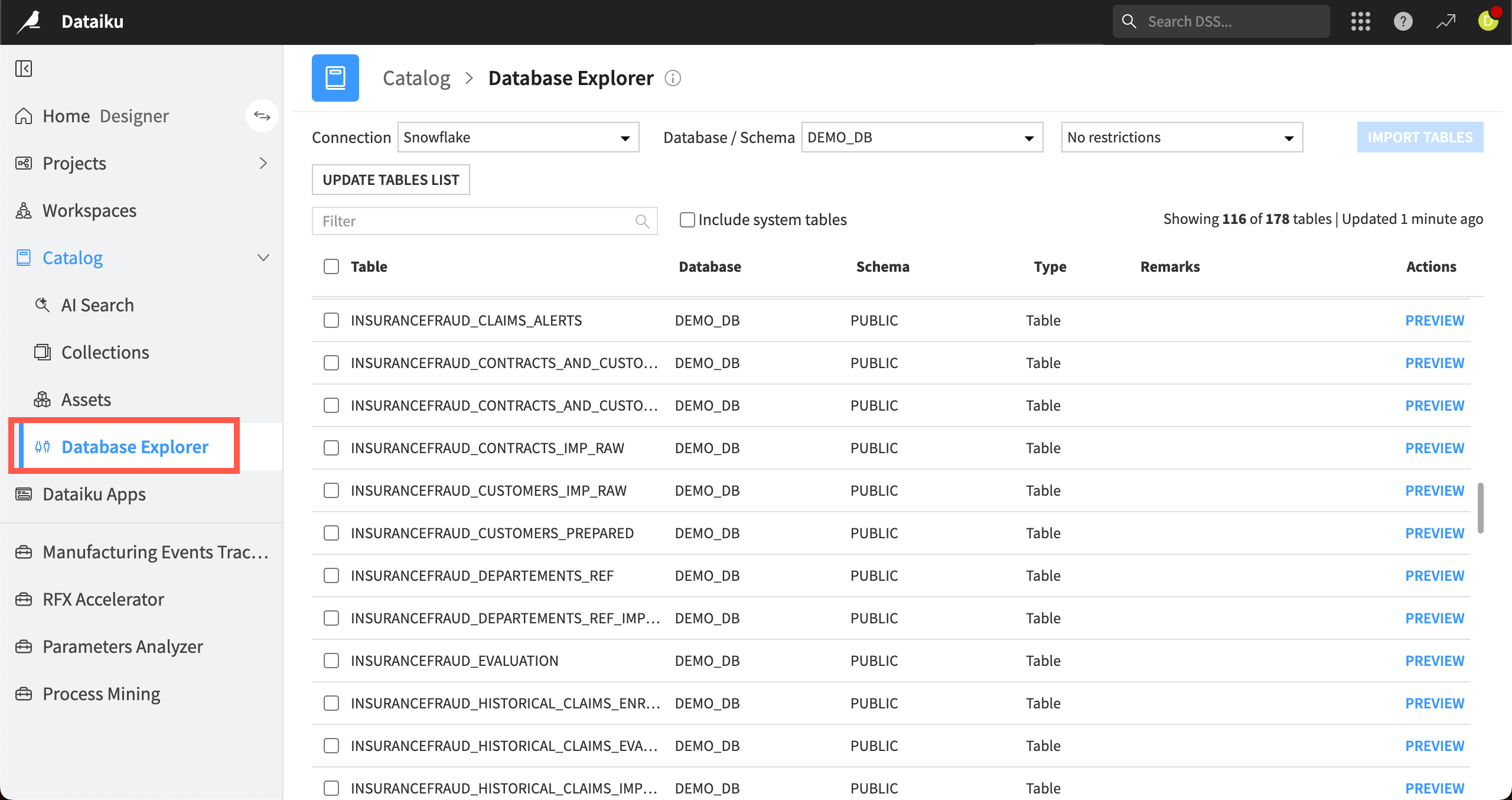
The Database Explorer allows you to browse your organization’s remote connections, such as BigQuery, Hive, or SQL server connections.
You can browse, filter, and preview the tables on a connection, then import selected tables into your Dataiku projects.
See also
For more about the Catalog, including user permissions and collection management, see Catalog in the reference documentation.