

Concept | Connections to data#
Connections are how Dataiku reaches external data, and configuring them is a core responsibility of an administrator.
Dataiku as an orchestration layer#
With an administrator’s permission, it’s possible for users to directly upload files to Dataiku. This option is a quick way for users to get started with CSV files or Excel workbooks. However, Dataiku isn’t a platform intended to permanently store an organization’s data.
For enterprise cases, the data lives elsewhere — such as a database, a data warehouse, or object storage. Dataiku sits on top of these systems and orchestrates work against them.
This distinction matters for how admins think about their role. Rather than managing a data store, admins manage the pathways that Dataiku uses to reach data that lives somewhere else. Dataiku refers to those pathways as connections.
The admin decides which connections exist, which groups of users can access them, and how Dataiku authenticates through them. On an instance with properly configured connections, users work with data smoothly and securely. Failing to do so however can introduce security gaps or performance bottlenecks that are difficult to trace back to their source.
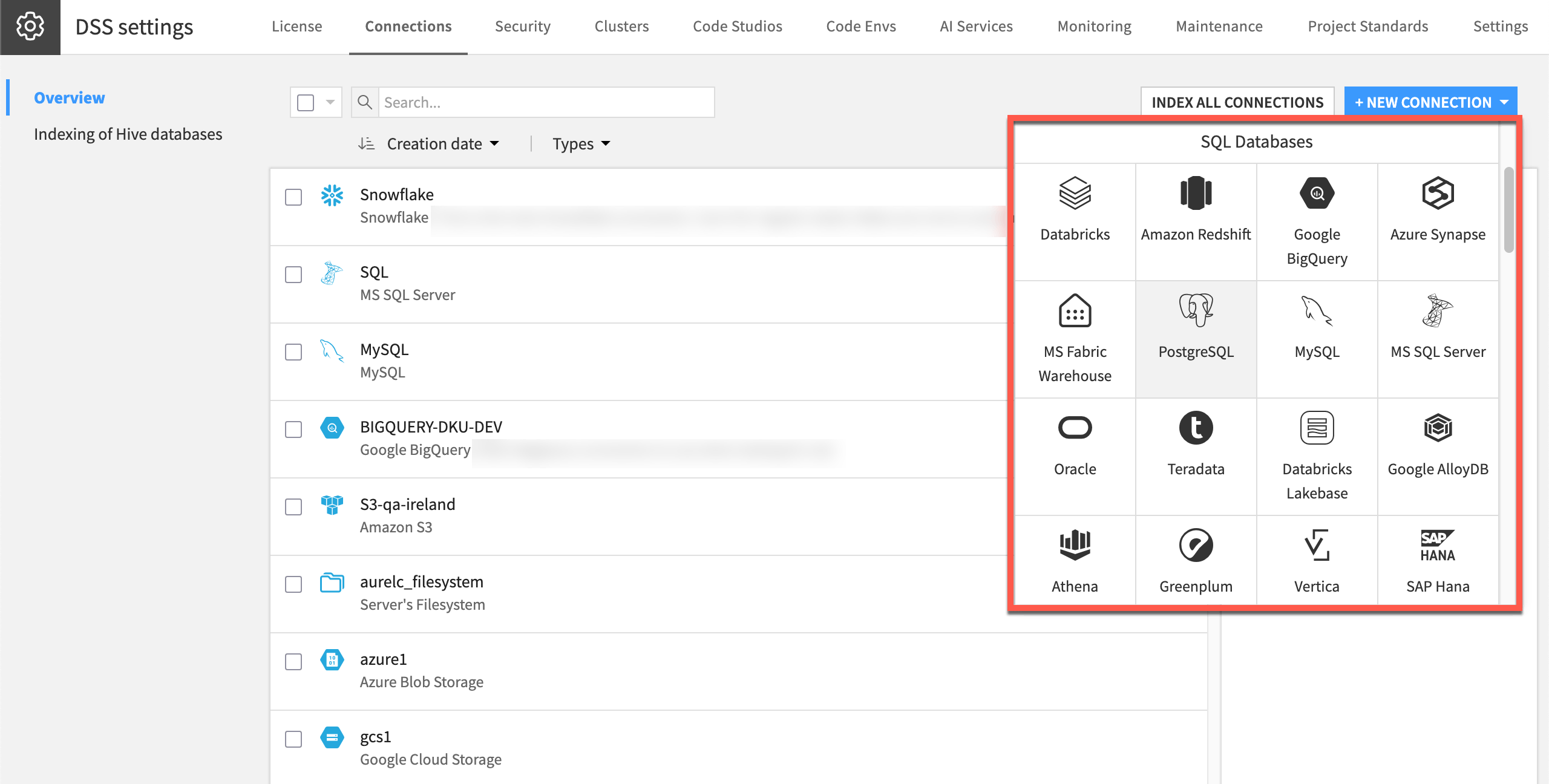
An admin manages an organization’s connections, including those to the LLM Mesh, from one central location.#
Why tech-agnosticism matters#
Storage technology changes fast. Organizations move from on-premises databases to cloud warehouses. They may switch cloud providers or adopt a new storage format. Given Dataiku’s role as an orchestration layer on top of existing storage, Dataiku is agnostic as to which vendor holds the actual data.
Connections allow data and logic to exist separately. The logic — in the form of Flows — lives in Dataiku. The data stays wherever the organization prefers to store it. A connection is the abstraction linking the two. If the organization adopts a new storage technology, the admin configures a new connection to it. Then, users remap the affected parts of their Flows to point at the new connection, and their work continues.
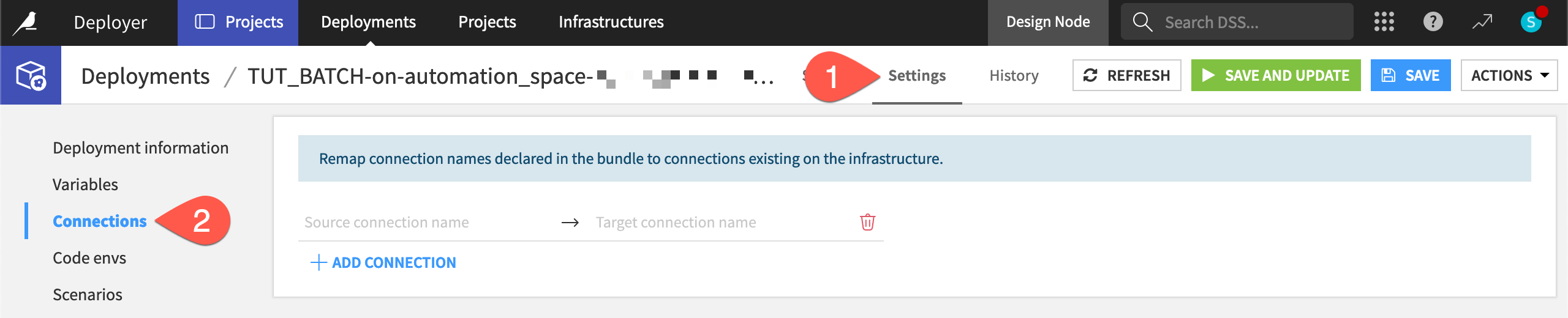
This user is remapping the datasets in their Flow from a PostgreSQL connection to Snowflake.#
What a connection represents#
In less abstract terms, a connection is a stored definition that tells Dataiku how to reach a specific external data source. It bundles together the information Dataiku needs to establish that link: a host, a set of credentials, and any parameters specific to that data source.
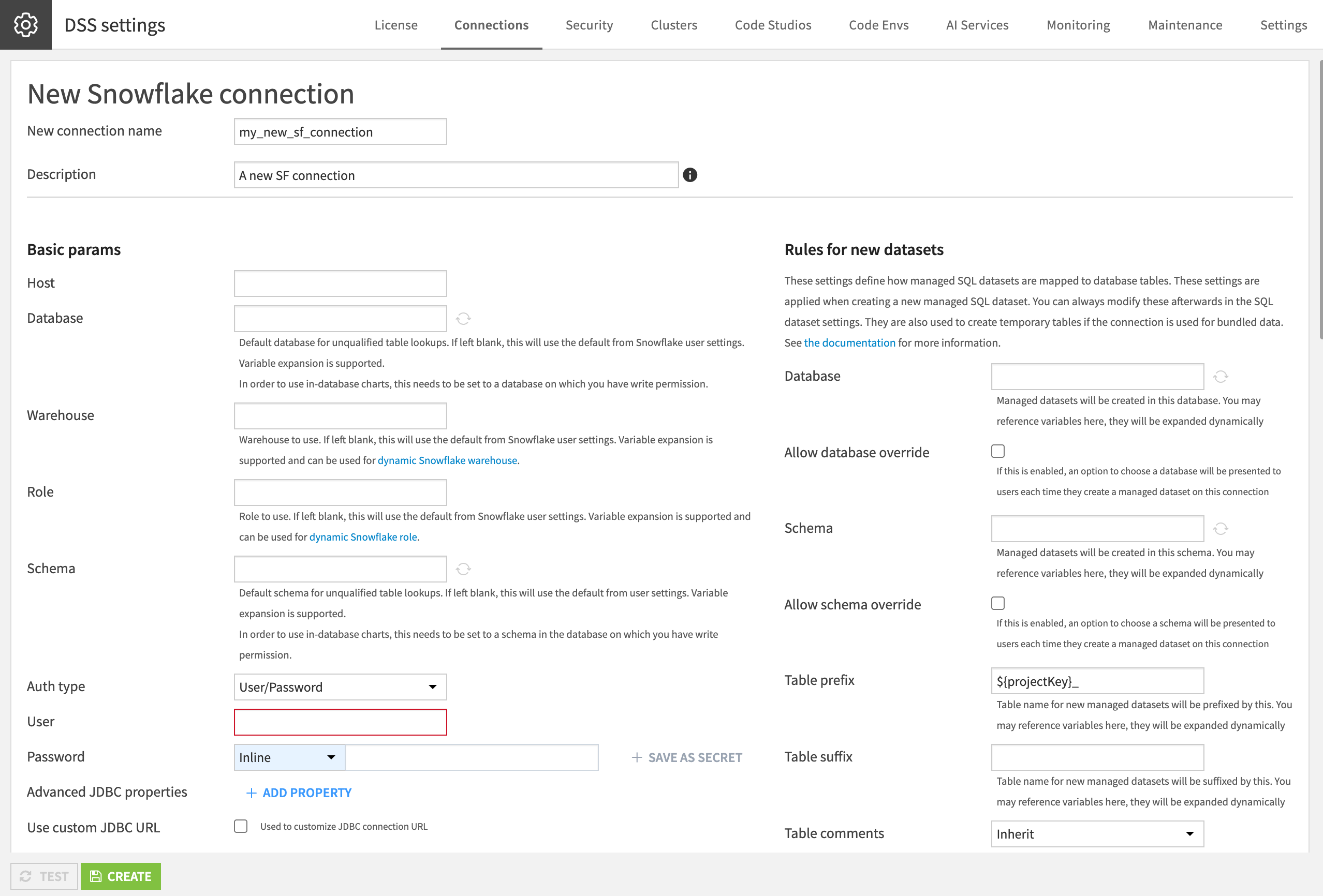
When creating a new connection, the admin needs to supply parameters and credentials specific to that source.#
Once a connection exists, users interact with the data source through Dataiku’s interface. They don’t require any knowledge of connection strings, credential details, or driver versions. The admin configures that once at the connection level, and it works for all users the admin has granted access to.
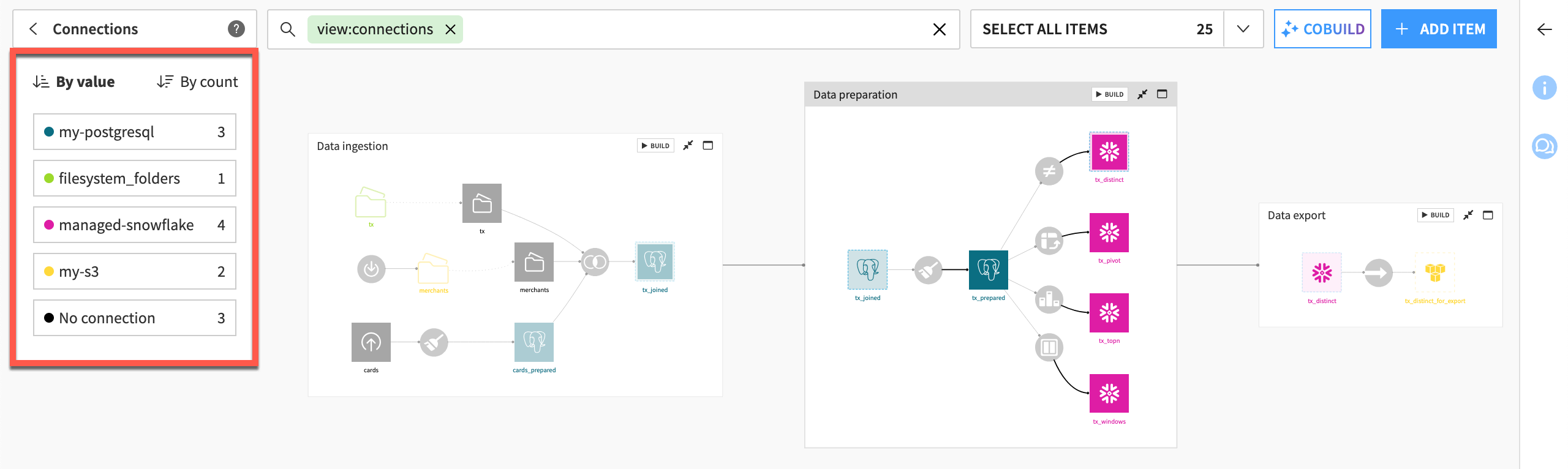
One user’s Flow may rely on datasets from different connections, each configured by the administrator.#
Tip
From a user’s perspective, their necessary knowledge of the connection may only be the icon on the dataset in the Flow.
JDBC and connection families#
Most database connections in Dataiku rely on JDBC (Java Database Connectivity). JDBC is a standard API that lets Java-based applications, including Dataiku, talk to a wide variety of databases through a common interface. Dataiku doesn’t need custom code for every database vendor. It only needs a JDBC driver for that vendor, and the standard API takes care of the rest.
Connections fall into a few broad families:
Family |
Examples |
|---|---|
SQL databases |
Traditional relational databases like PostgreSQL, and cloud data warehouses like Snowflake or Google BigQuery. These connections rely on JDBC. |
Object storage |
Services like Amazon S3, Azure Blob Storage, and Google Cloud Storage. These connections give Dataiku access to files and datasets held in cloud storage buckets, independent of any compute engine you might later use to process that data. |
Application connectors |
Connections to specific external applications or platforms. Examples include Salesforce, Splunk, and SAP OData. |
Built-in vs. bring-your-own drivers#
For some databases, Dataiku ships with the JDBC driver already installed. PostgreSQL, Snowflake, and Google BigQuery are common examples. For these, the admin can create a connection without any extra setup.
For other databases, the admin needs to supply the JDBC driver themselves. The admin must choose a driver version compatible with both their database and the Java version Dataiku runs on. Then, they place it in a specific location inside the Dataiku data directory. Dataiku only scans for drivers at startup. Registering a new driver requires a restart of the Dataiku service.
Note
On Dataiku Cloud, you can’t install custom JDBC drivers yourself, since you don’t have access to the underlying filesystem. Contact Dataiku Support to request the installation.
Important
Each database has its own driver requirements and compatibility notes. Always consult the reference documentation on Connecting to data for the specific database you are configuring.
Next steps#
Now that you understand what a connection is and how Dataiku uses it, you should be ready to create one. See Tutorial | Manage a connection between Dataiku and a data source for a walkthrough of managing your first connection.
See also
See Connecting to data in the reference documentation for more details.